
Learn how to create an effective landing page
1. Introduction
From your WordPress dashboard select Landing pages
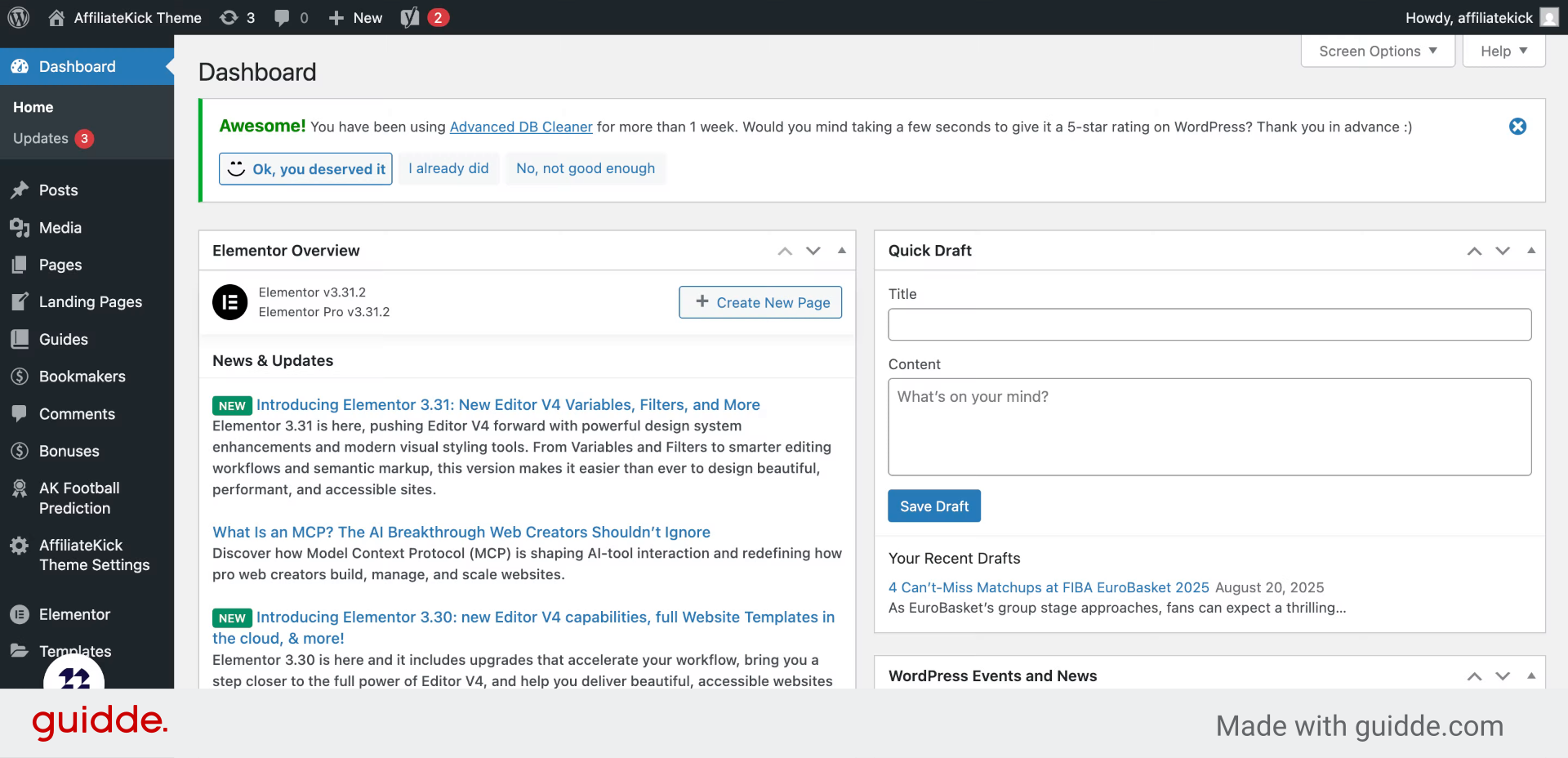
2. Click “Add New”
Begin by selecting the option to add a new page to your site.
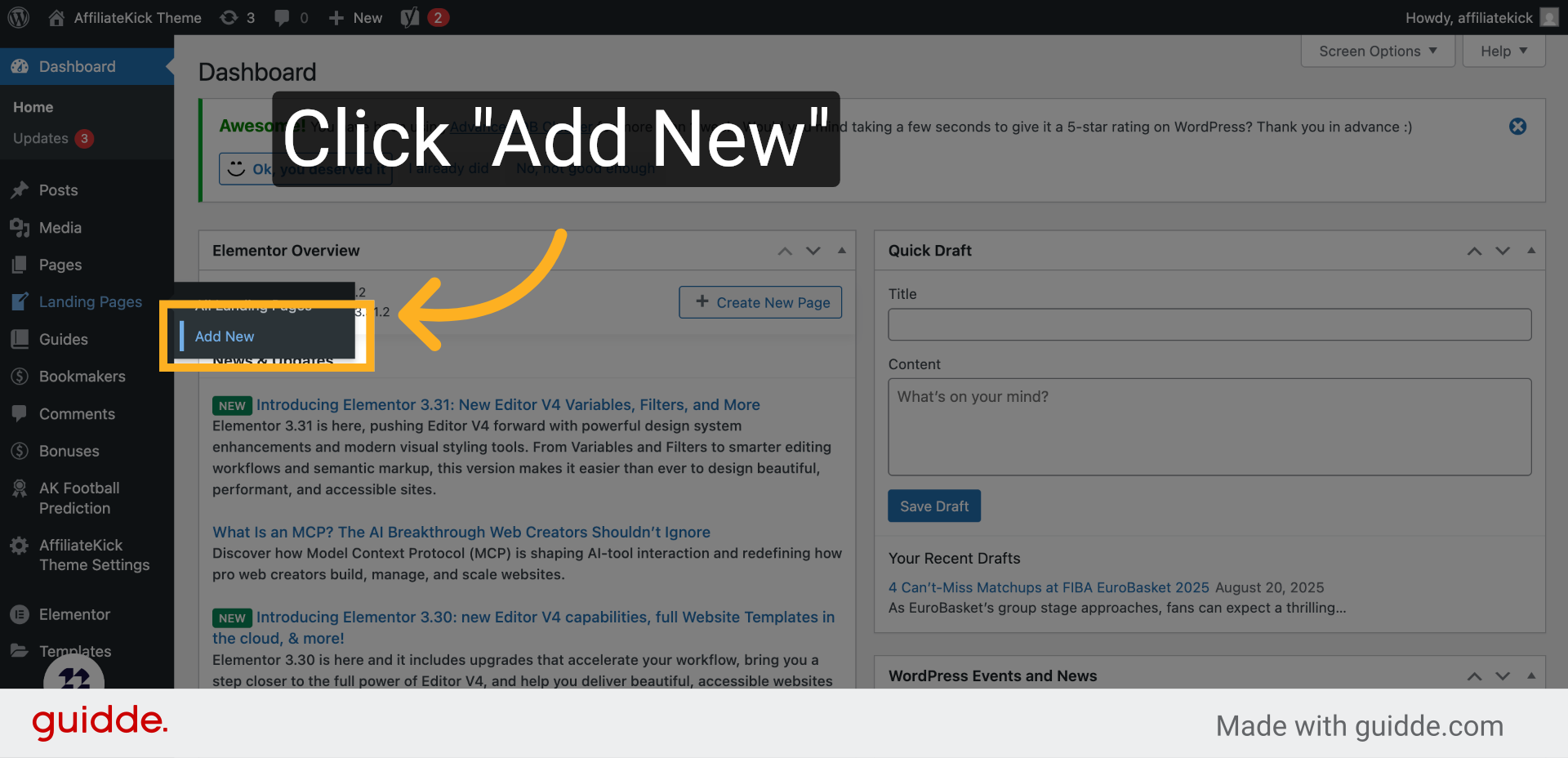
3. Landing page title
Enter a clear and concise title that describes your landing page.
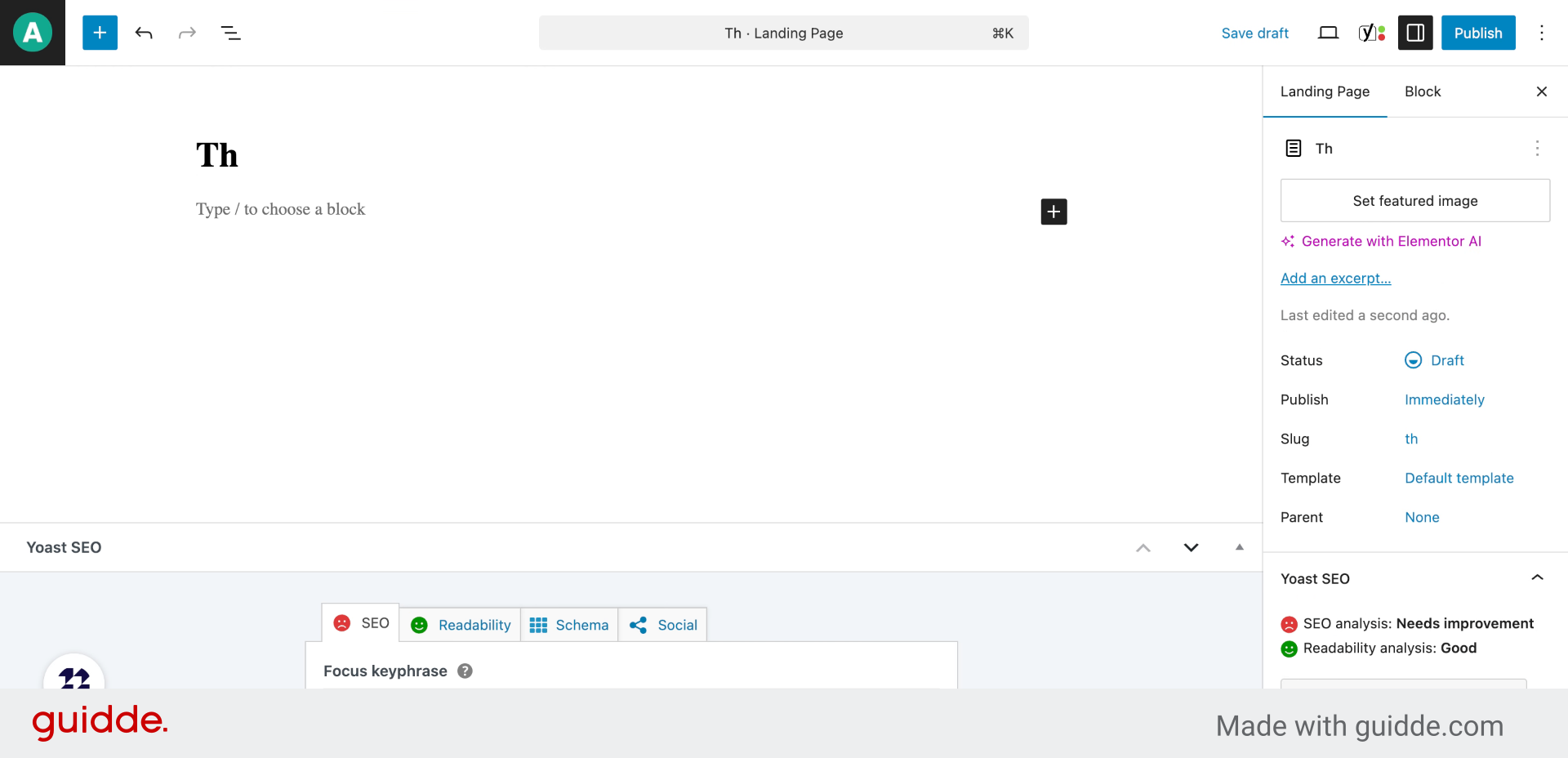
4. Landing page content
Invoke the block selector by typing the slash command to explore available content blocks.
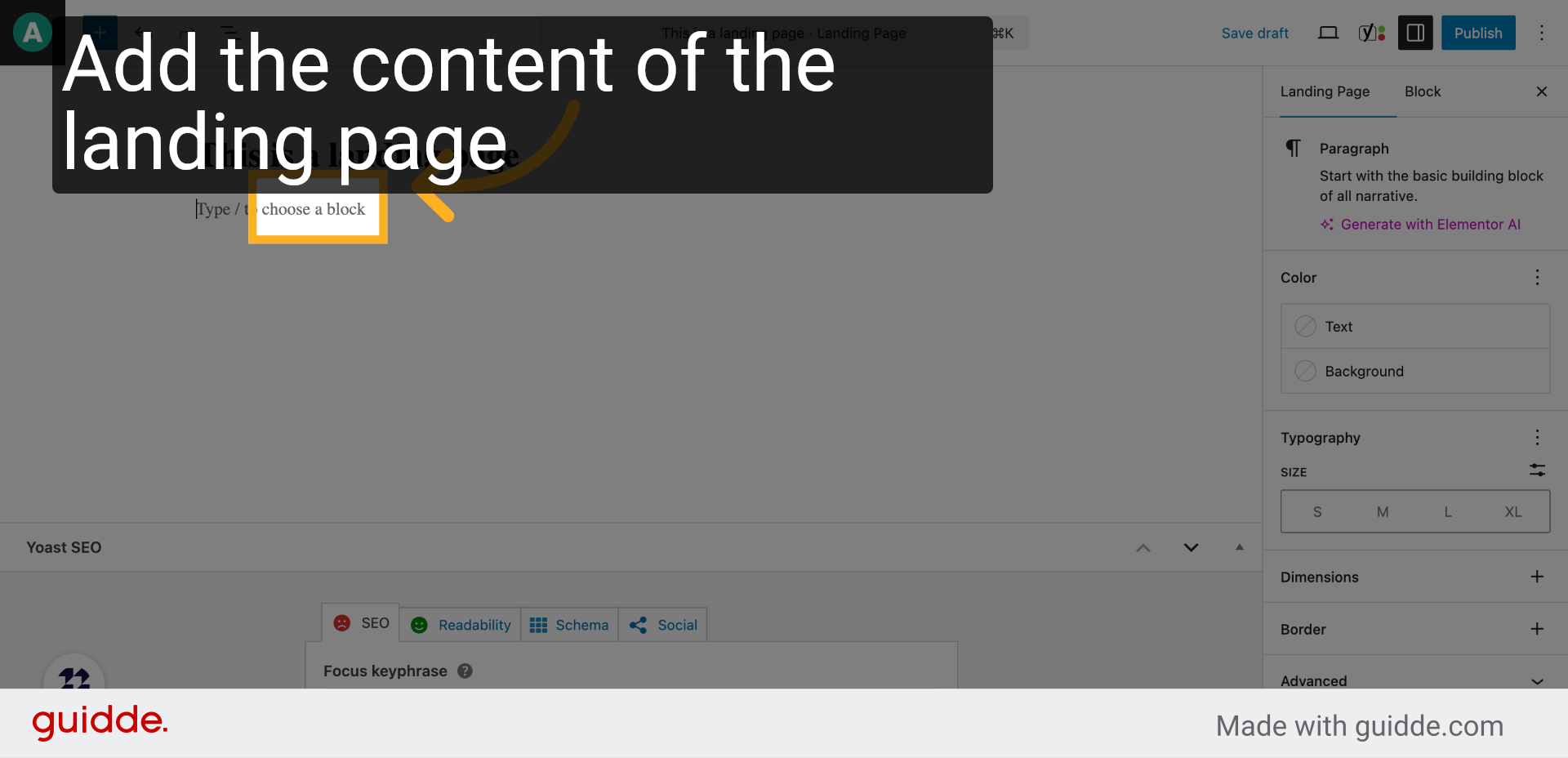
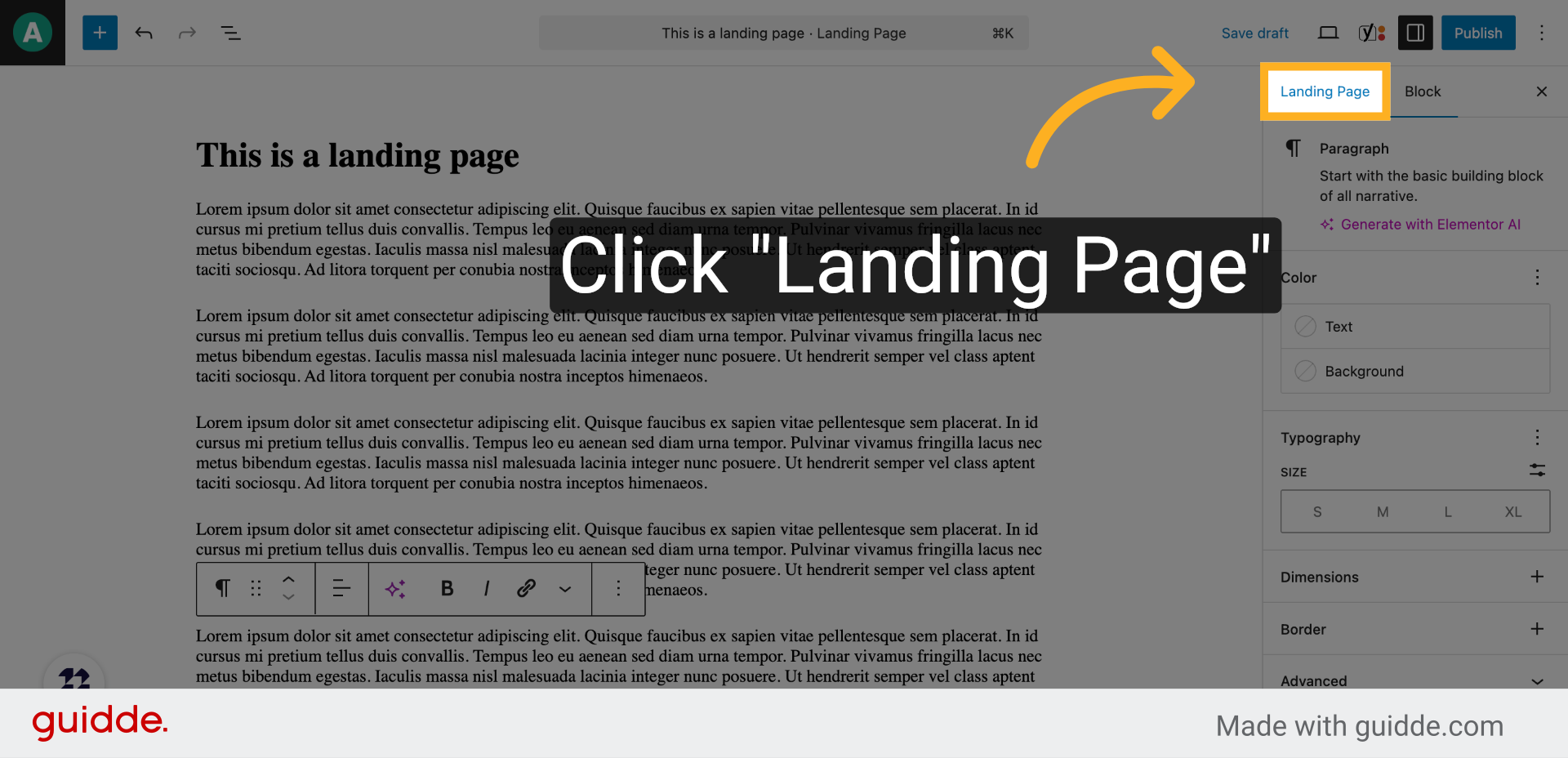
5. Click “Landing Page”
Choose the ‘Landing Page’ block to structure your page appropriately.
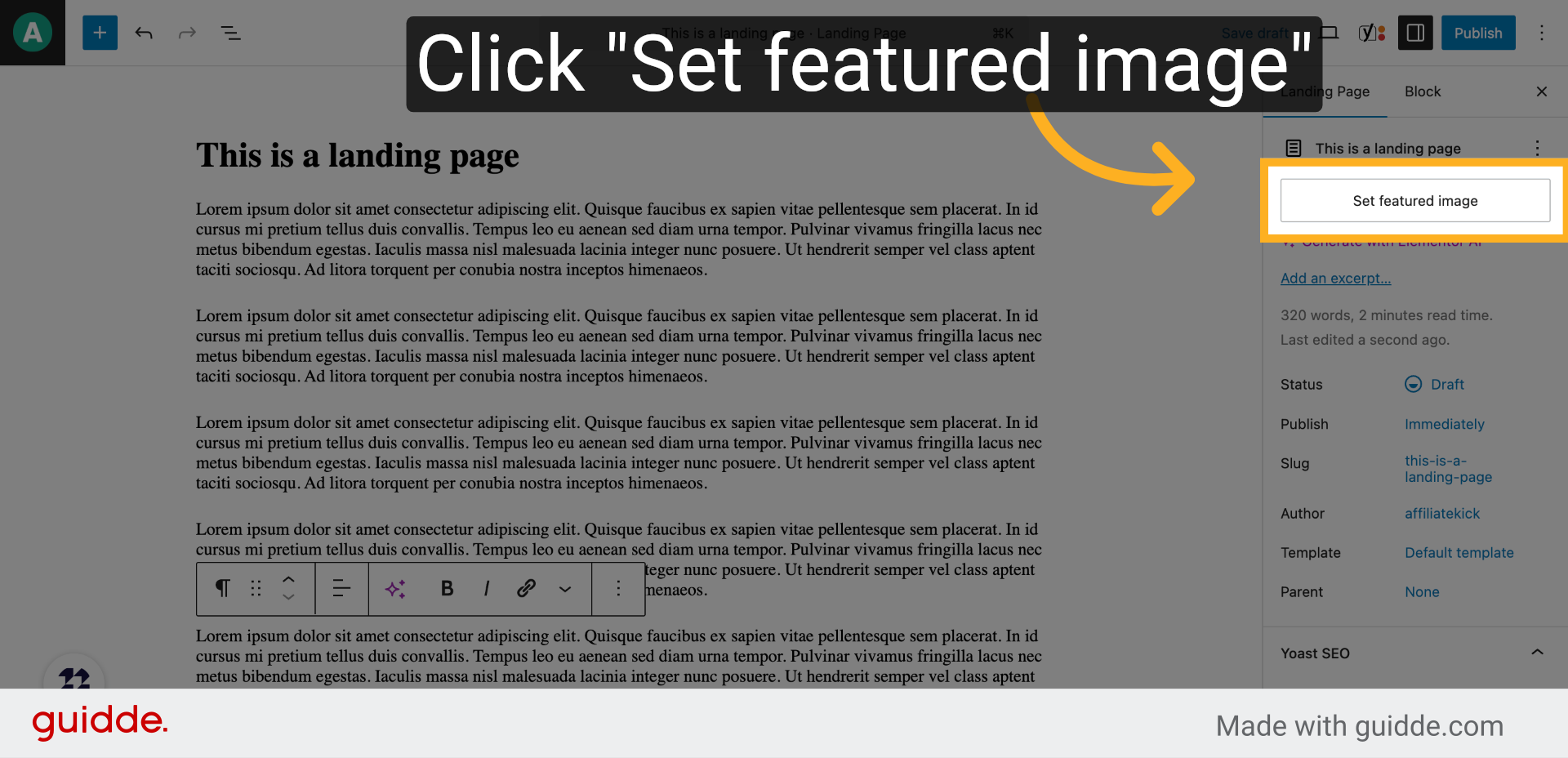
6. Click “Set featured image”
Open the featured image settings to enhance your page’s visual appeal.
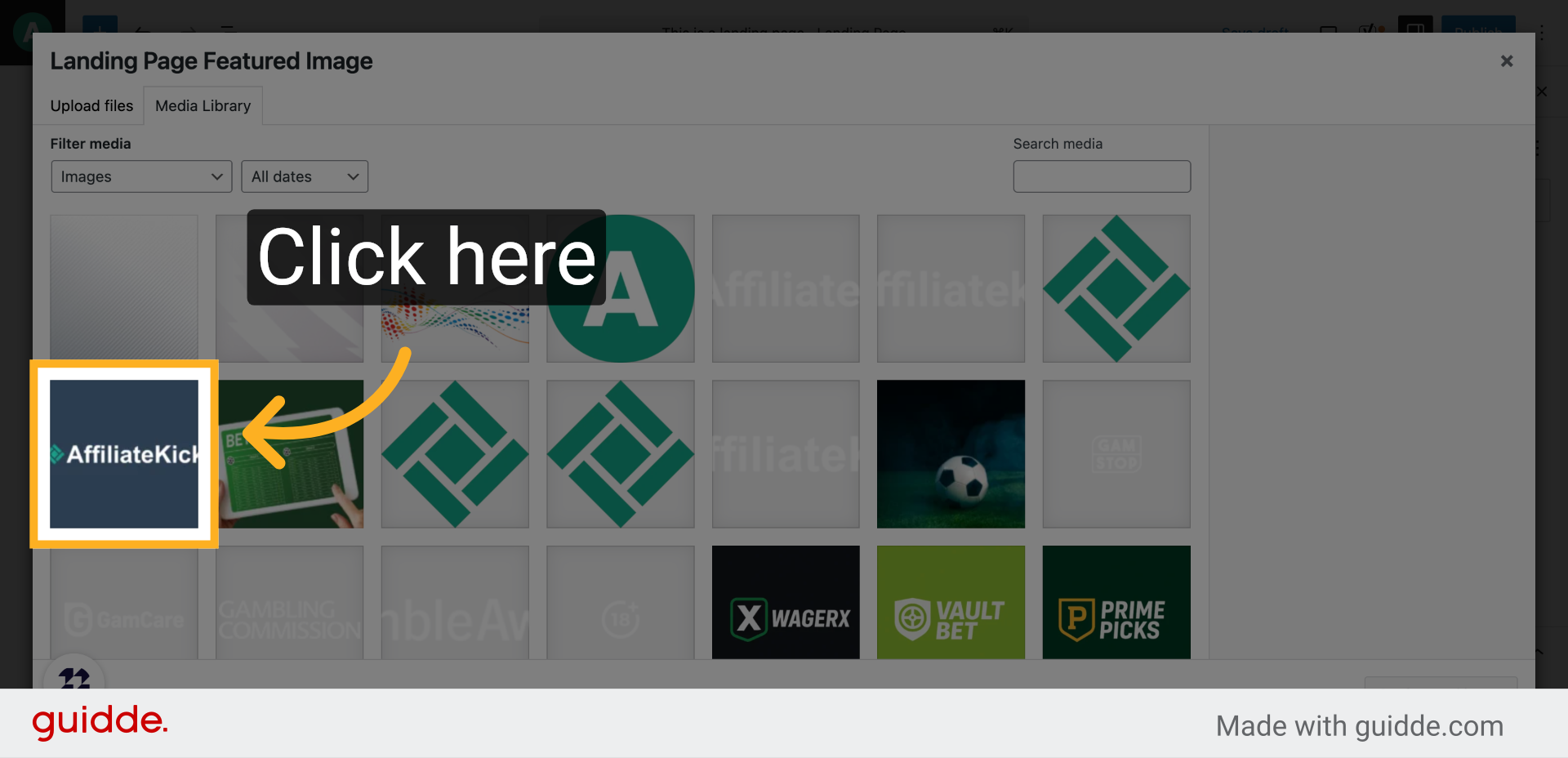
7. Click here
Browse your media library or upload a new image to set as the featured image.
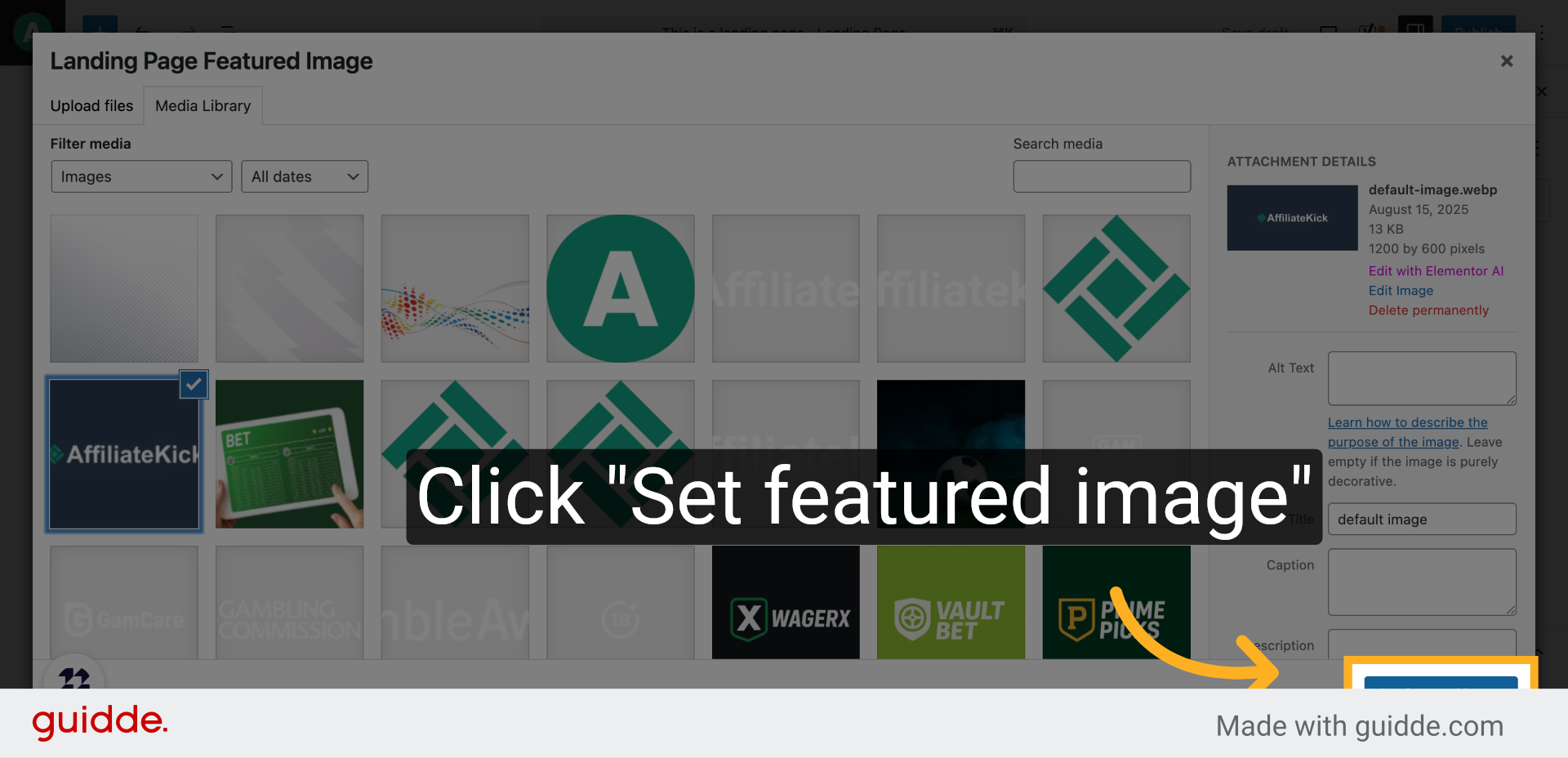
8. Click “Set featured image”
Confirm your selection to apply the featured image to your landing page.
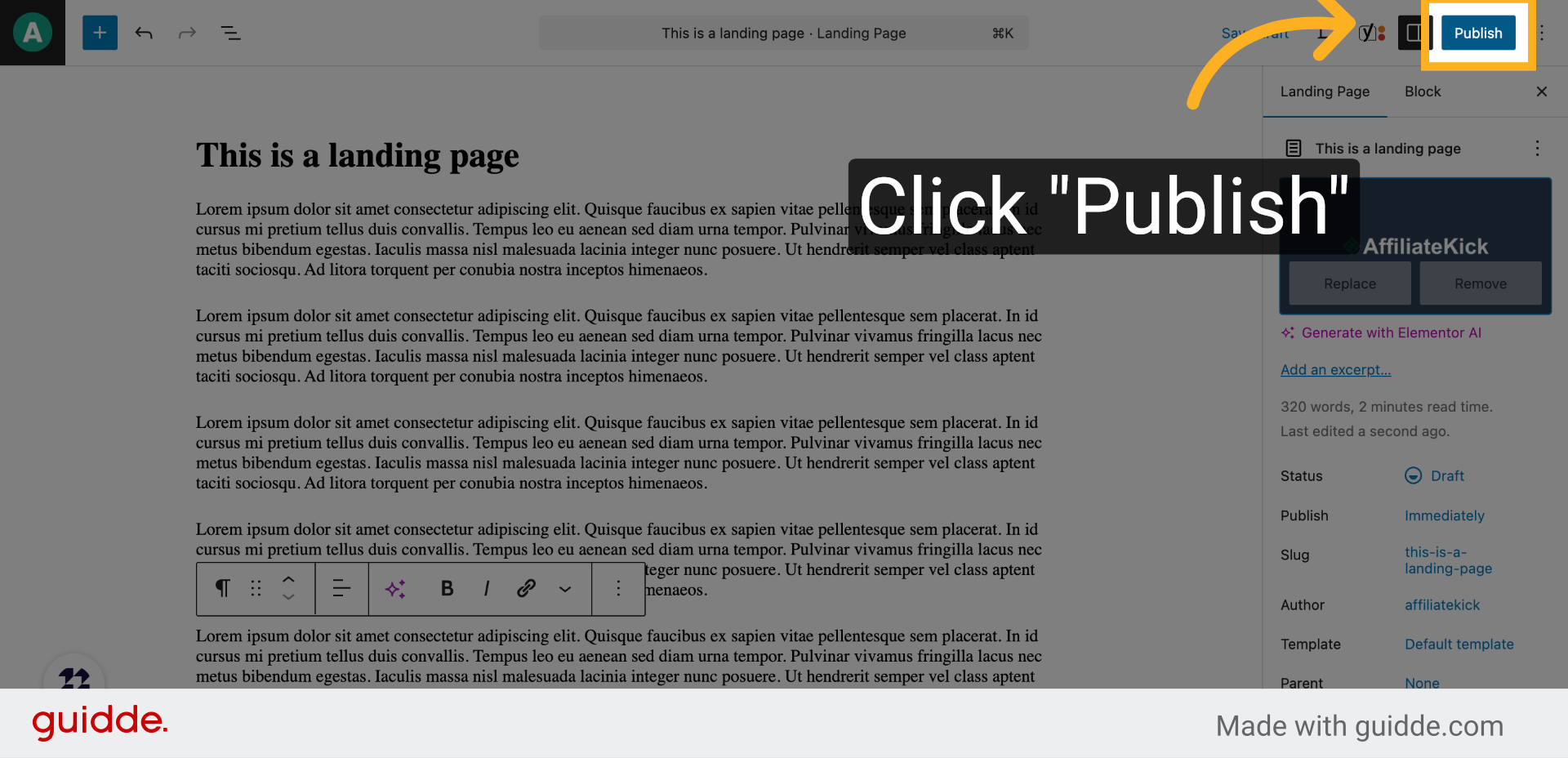
9. Click “Publish”
Initiate the publishing process to make your landing page live on your website.
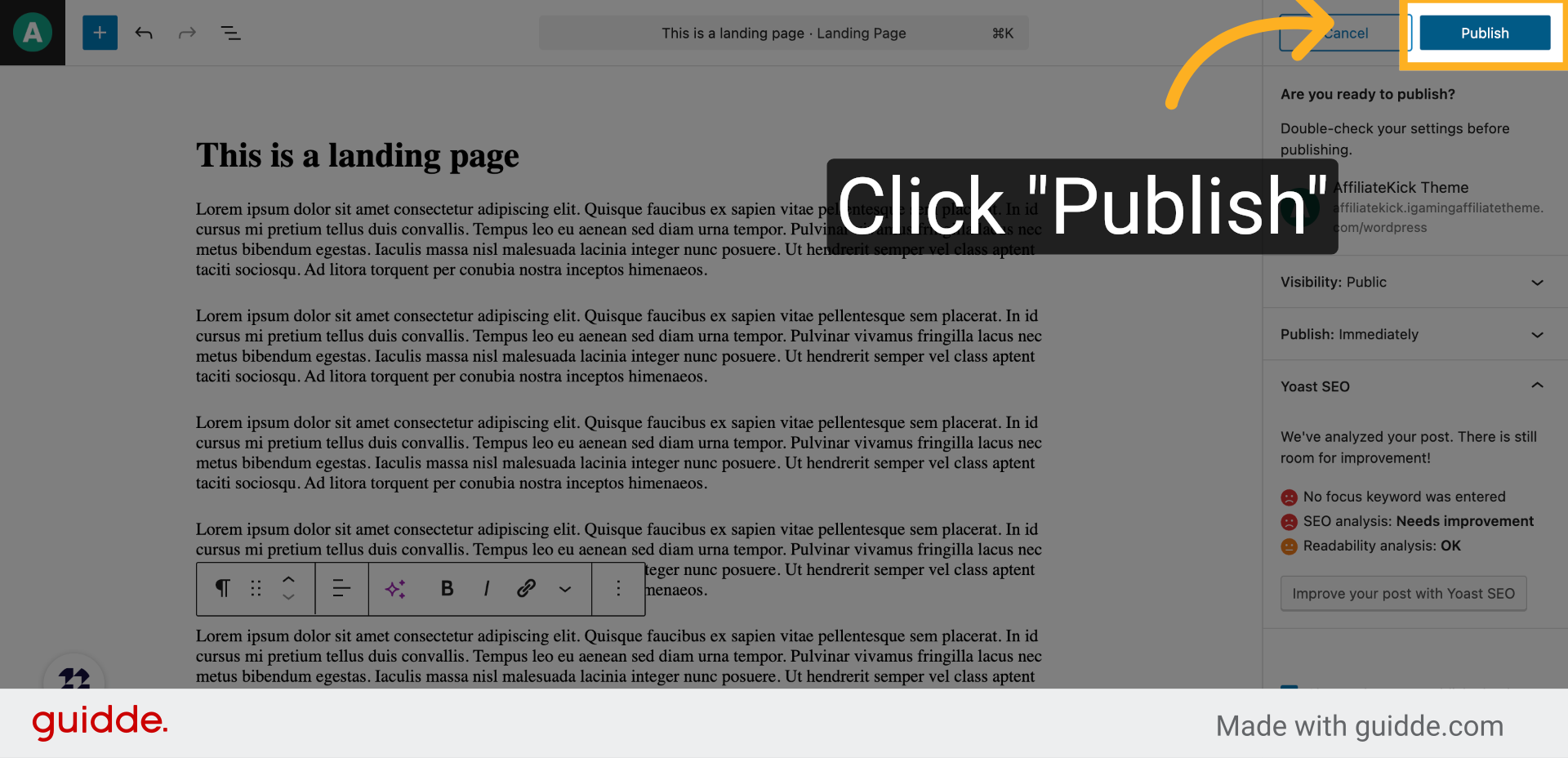
10. Click “Publish”
Finalize publishing by confirming your action, ensuring your landing page is accessible to visitors.
This guide walked you through creating and publishing a landing page, including setting a title, adding a landing page block, selecting a featured image, and making the page live.