
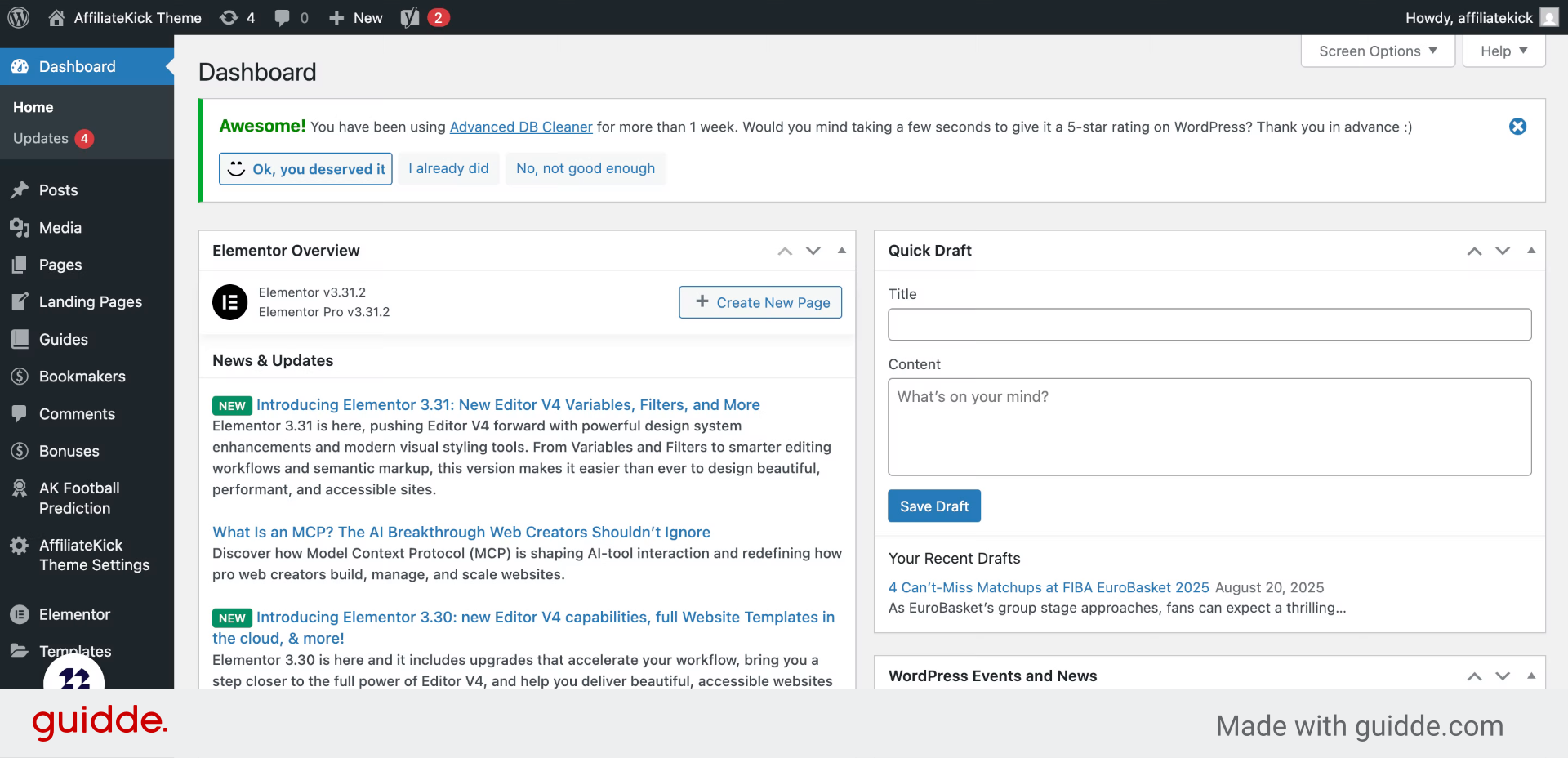
From you WordPress dashboard select bonuses
1. Introduction
This guide covers every step from adding details to associating bookmakers and publishing your bonus effectively.
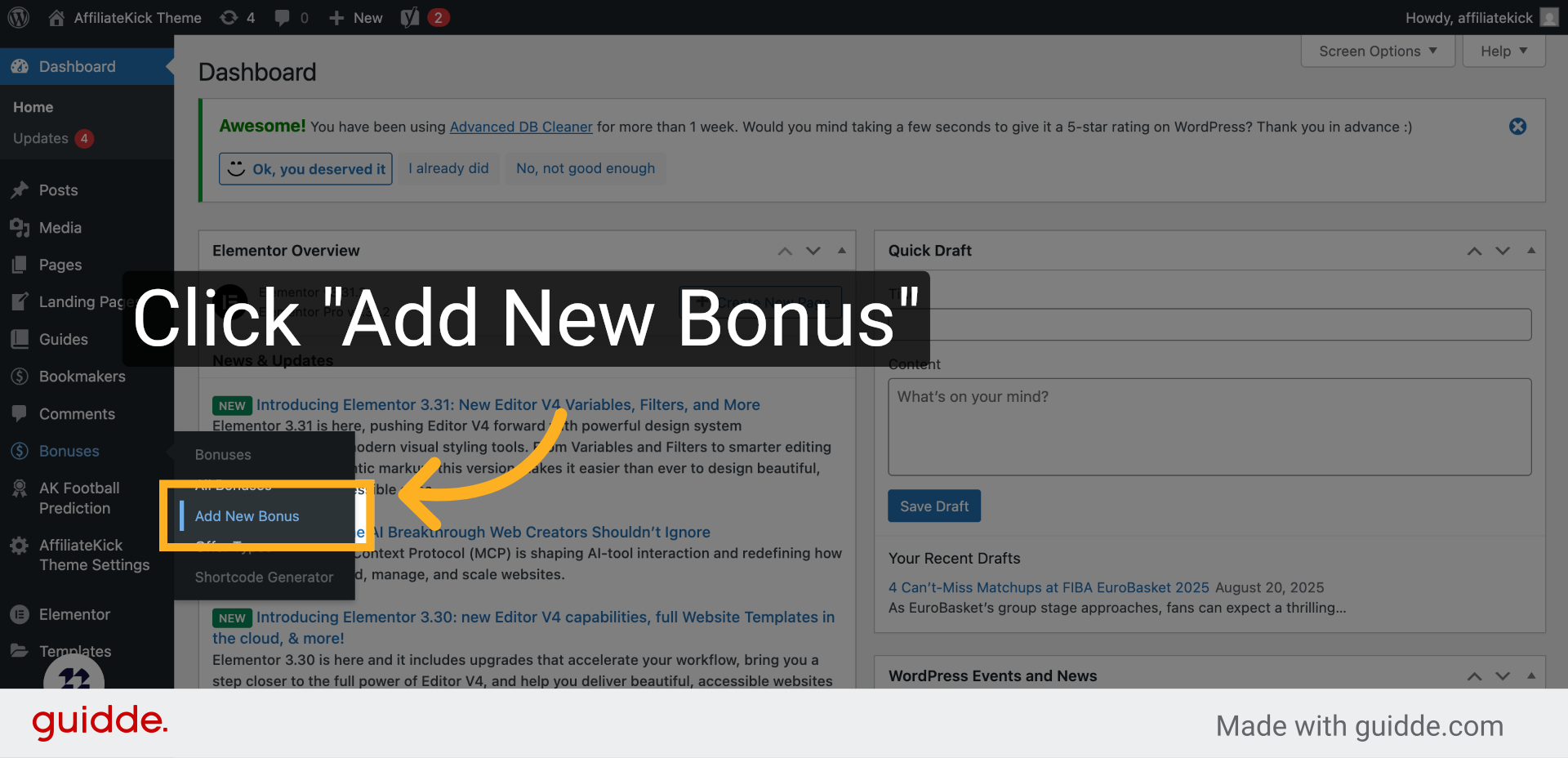
2. Click “Add New Bonus”
Begin by selecting the option to add a new bonus to your platform.
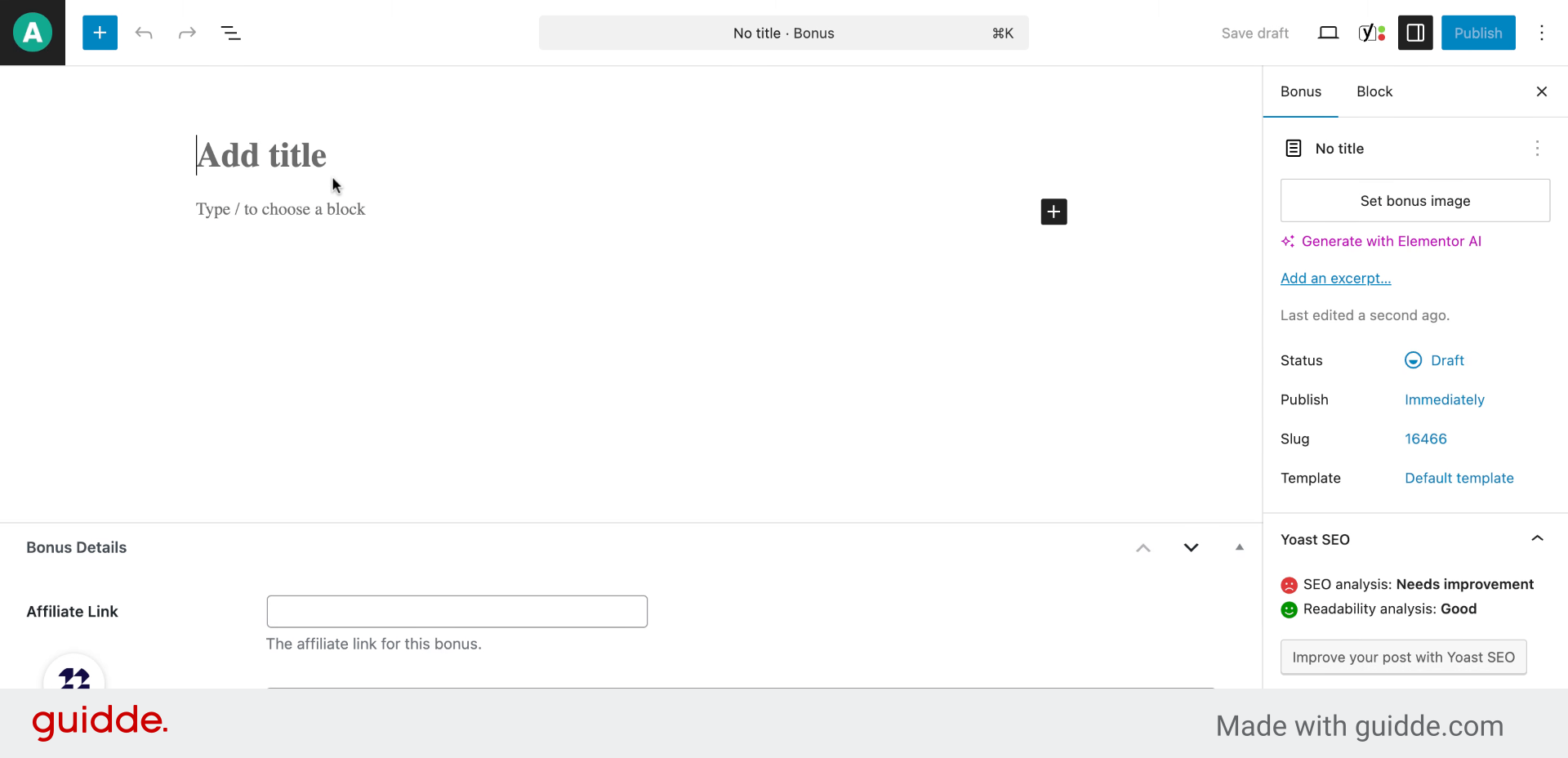
3. Fill “Bonus title”
Enter a clear and descriptive title for the bonus to attract users.
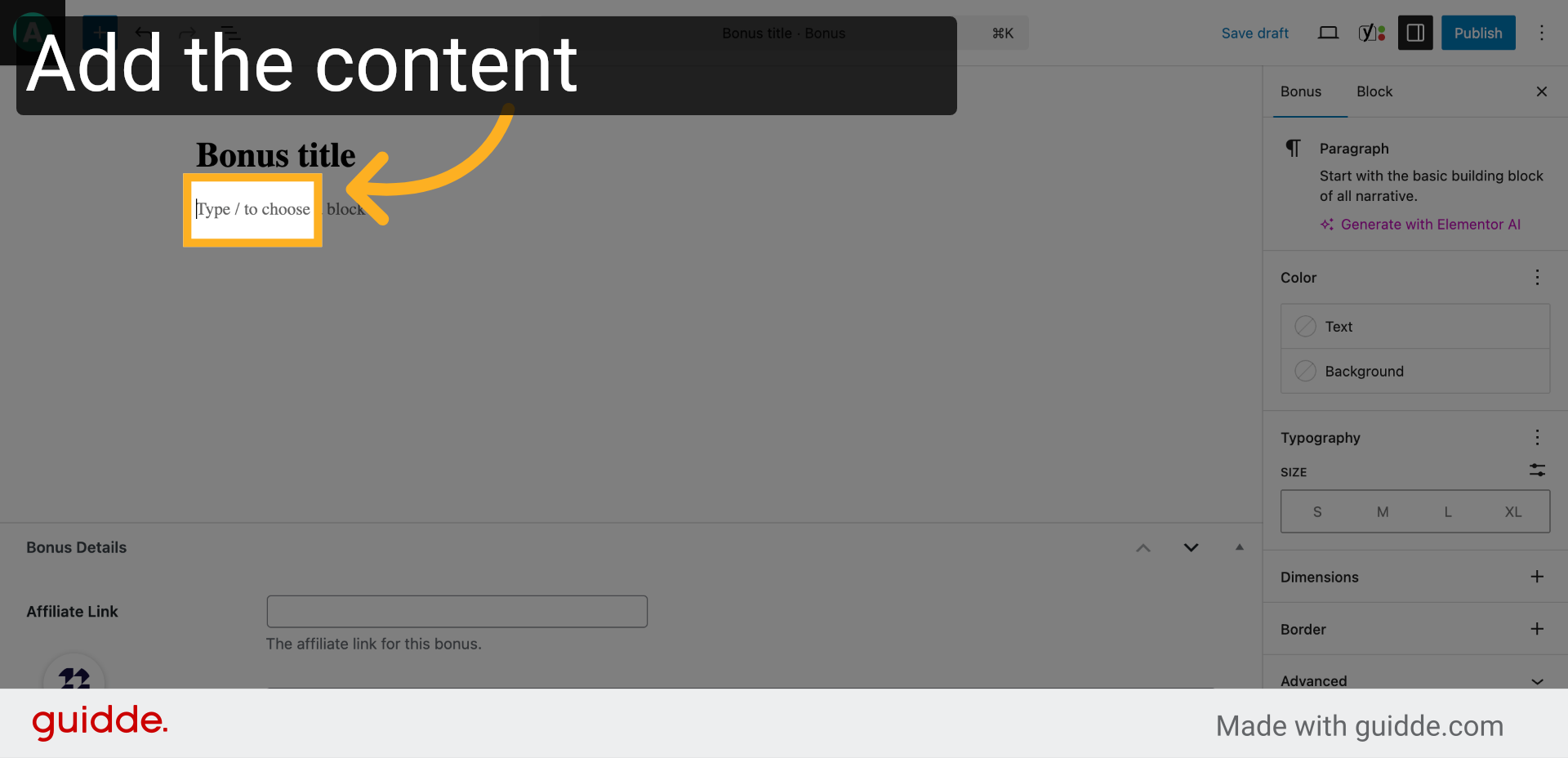
4. Add content
Add some content about the offer
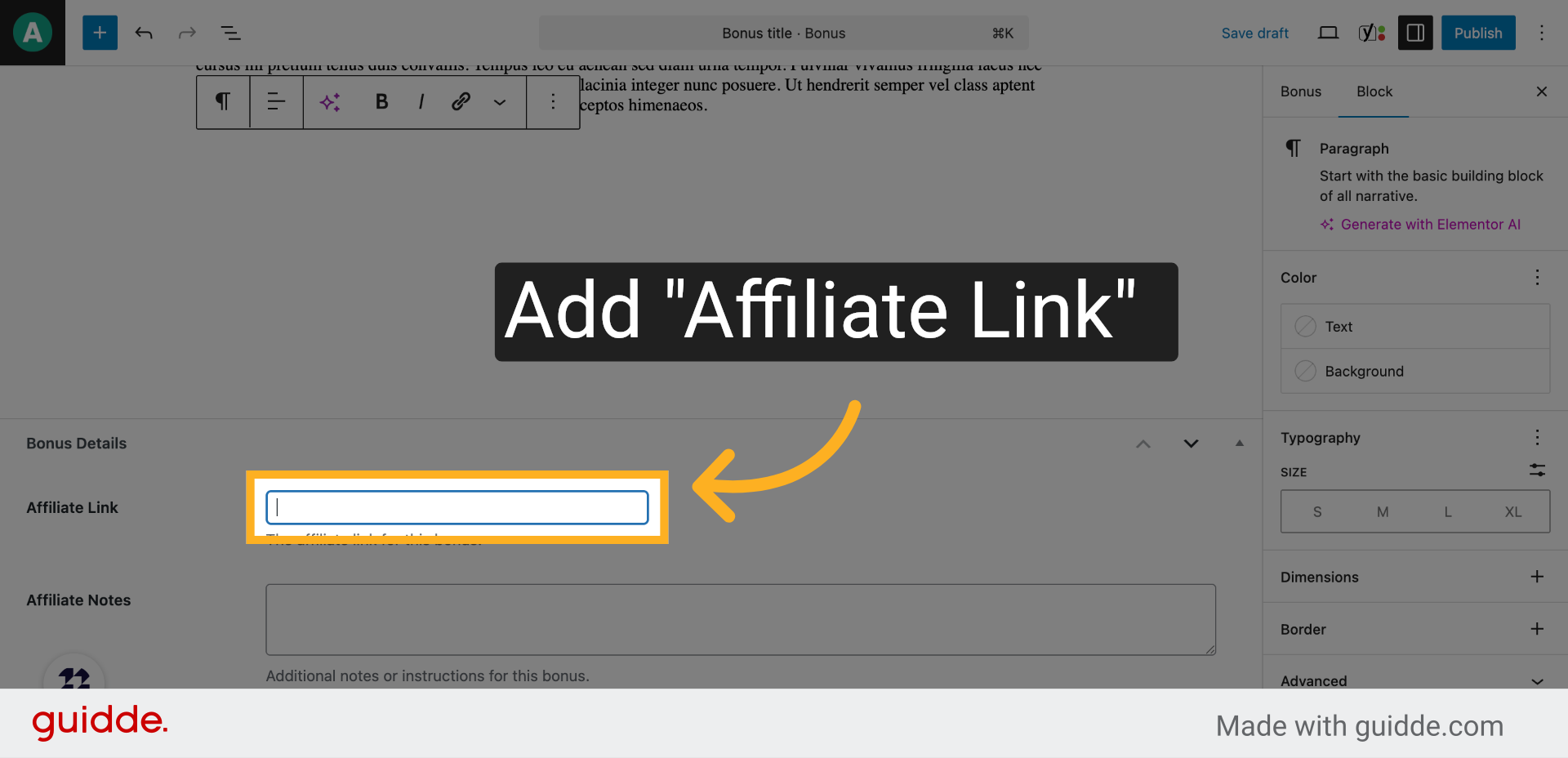
5. Click “Affiliate Link”
Select the affiliate link block to add a promotional URL.
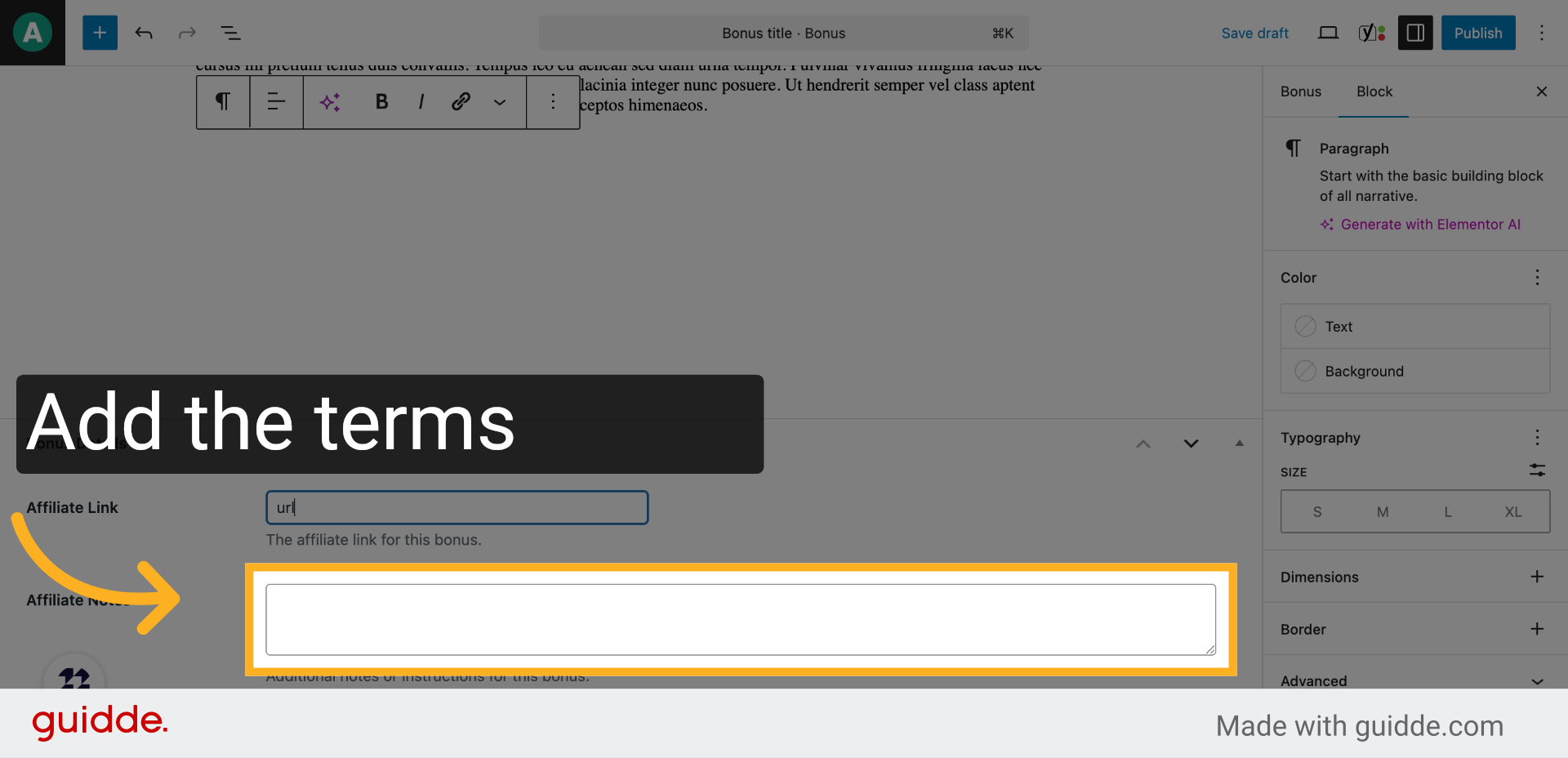
6. Click “Affiliate Notes”
Navigate to the affiliate notes section to provide additional information.
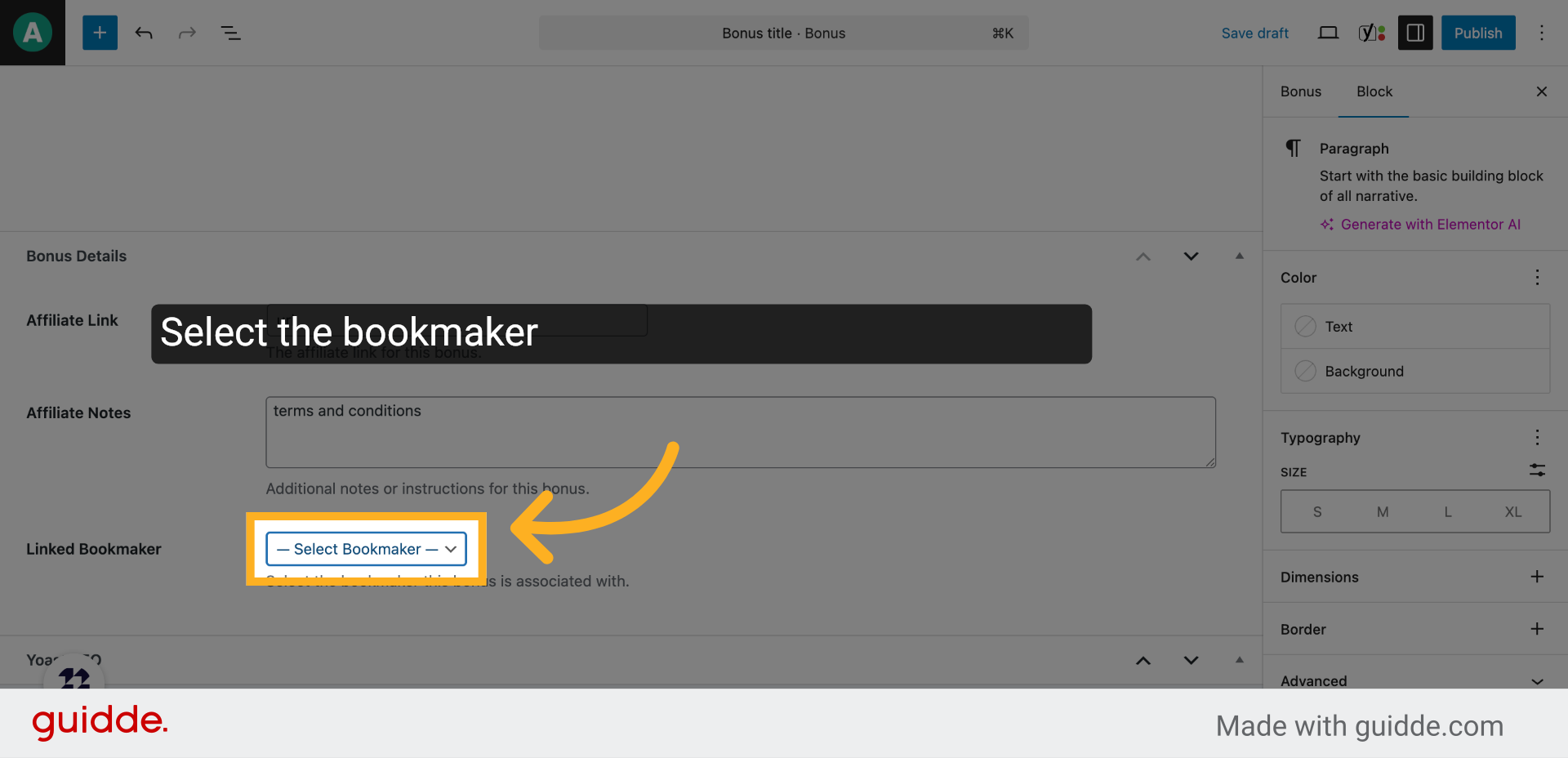
7. Click “— Select Bookmaker — Acespread…”
Open the bookmaker selection dropdown to associate the bonus with a specific bookmaker.
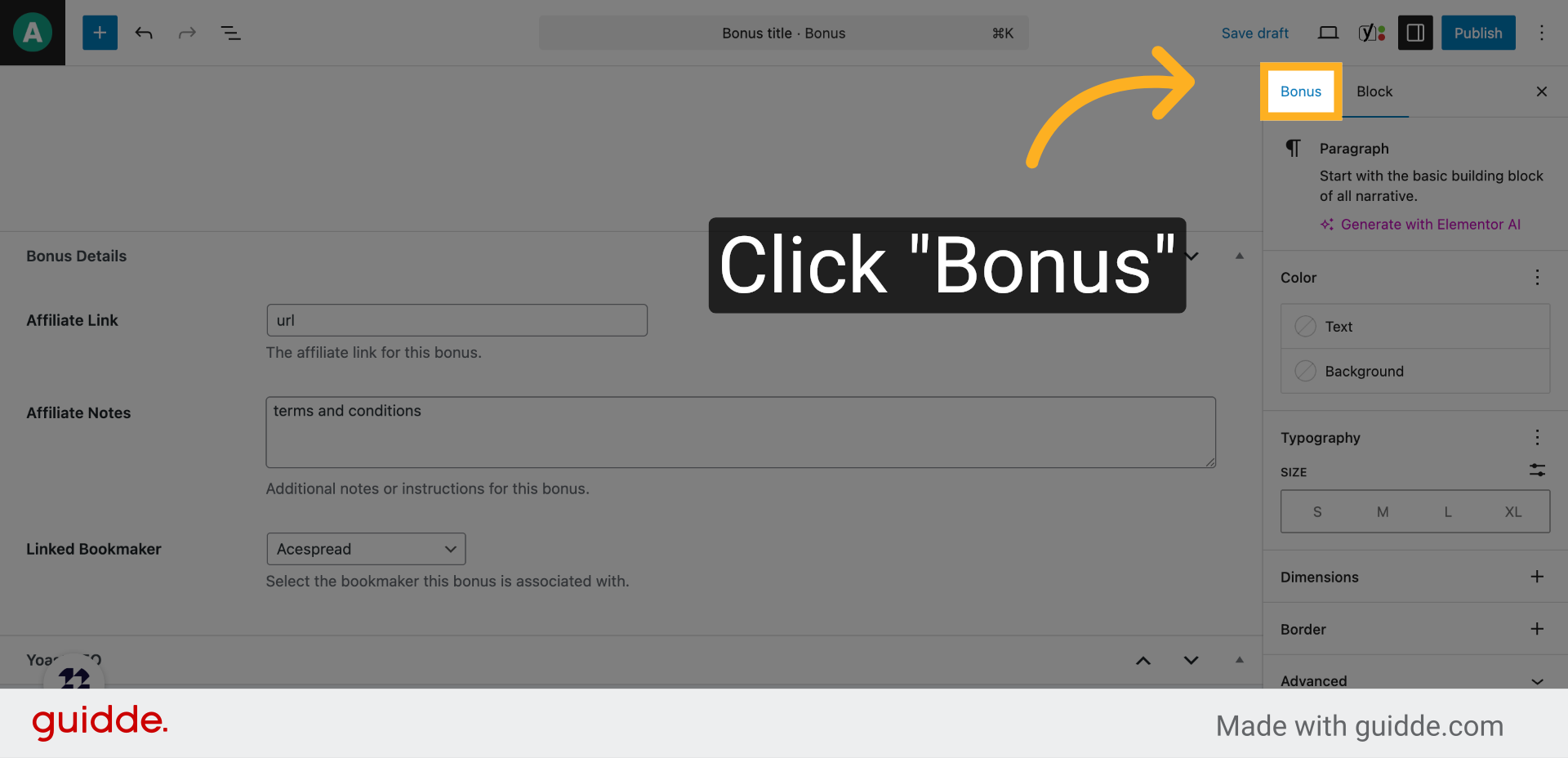
8. Click “Bonus”
Click on the bonus category to specify the type of bonus being offered.
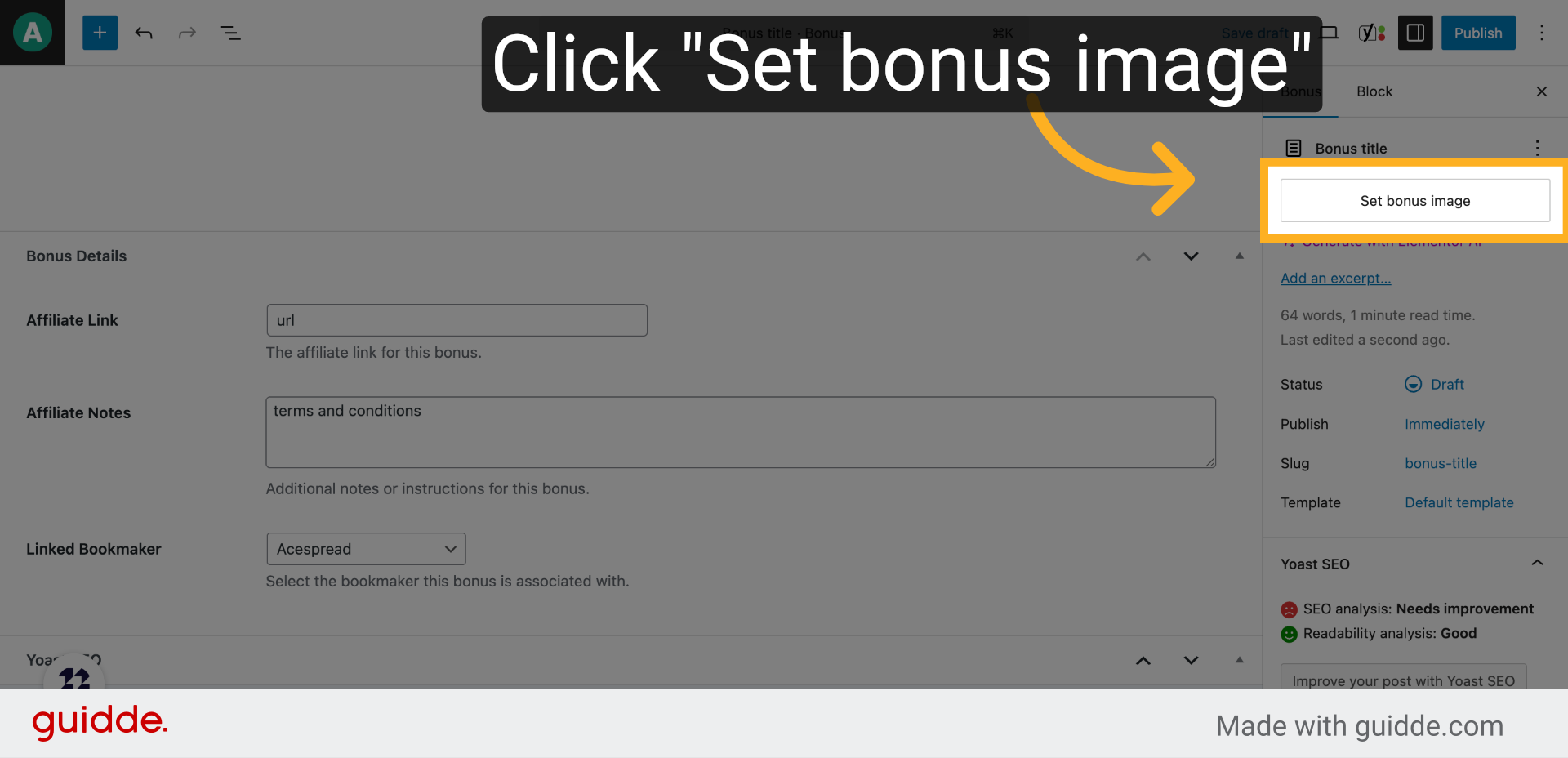
9. Click “Set bonus image”
Access the option to set an image that visually represents the bonus.
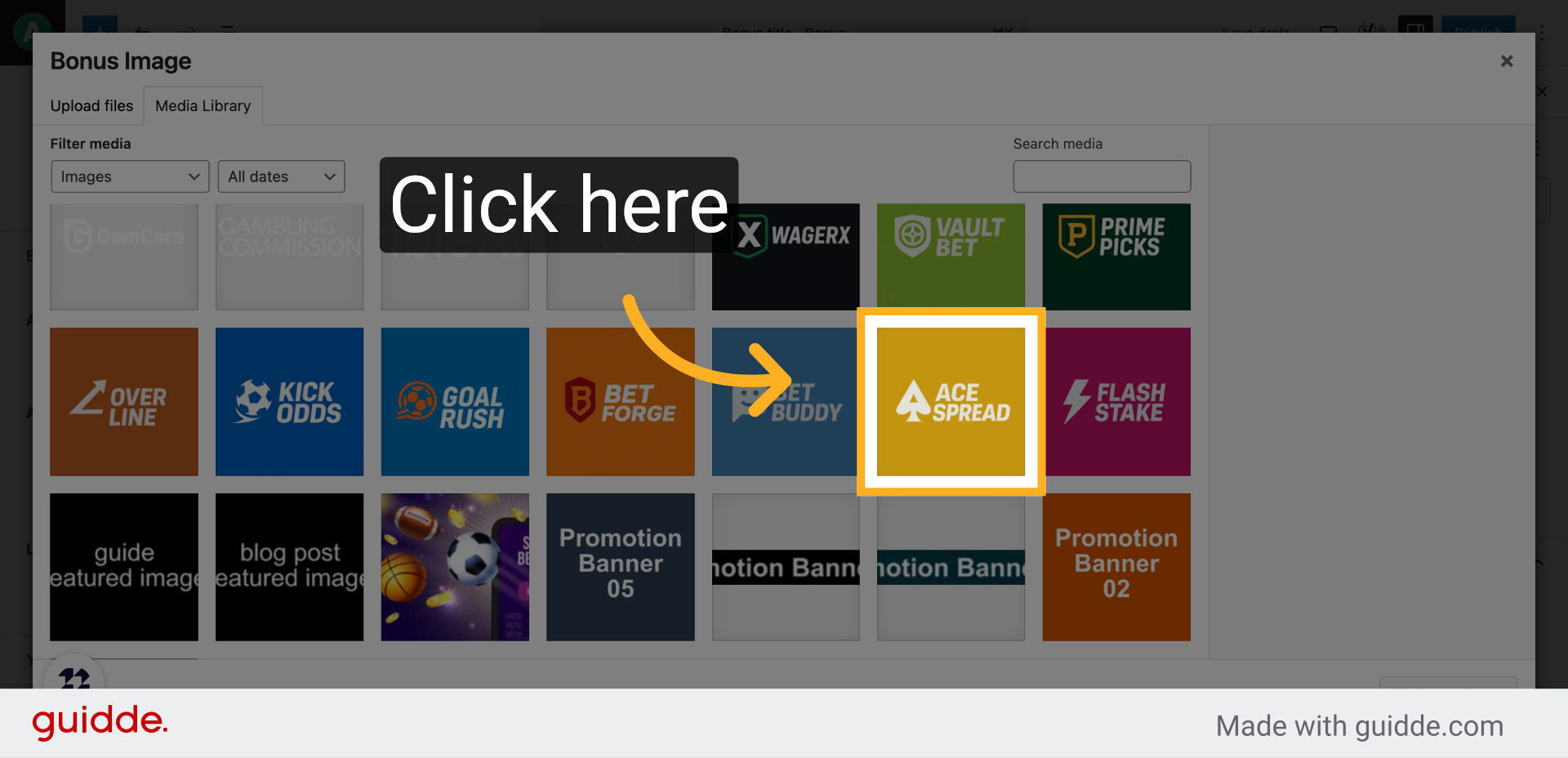
10. Click here
Click the designated area to upload or select an image for the bonus.
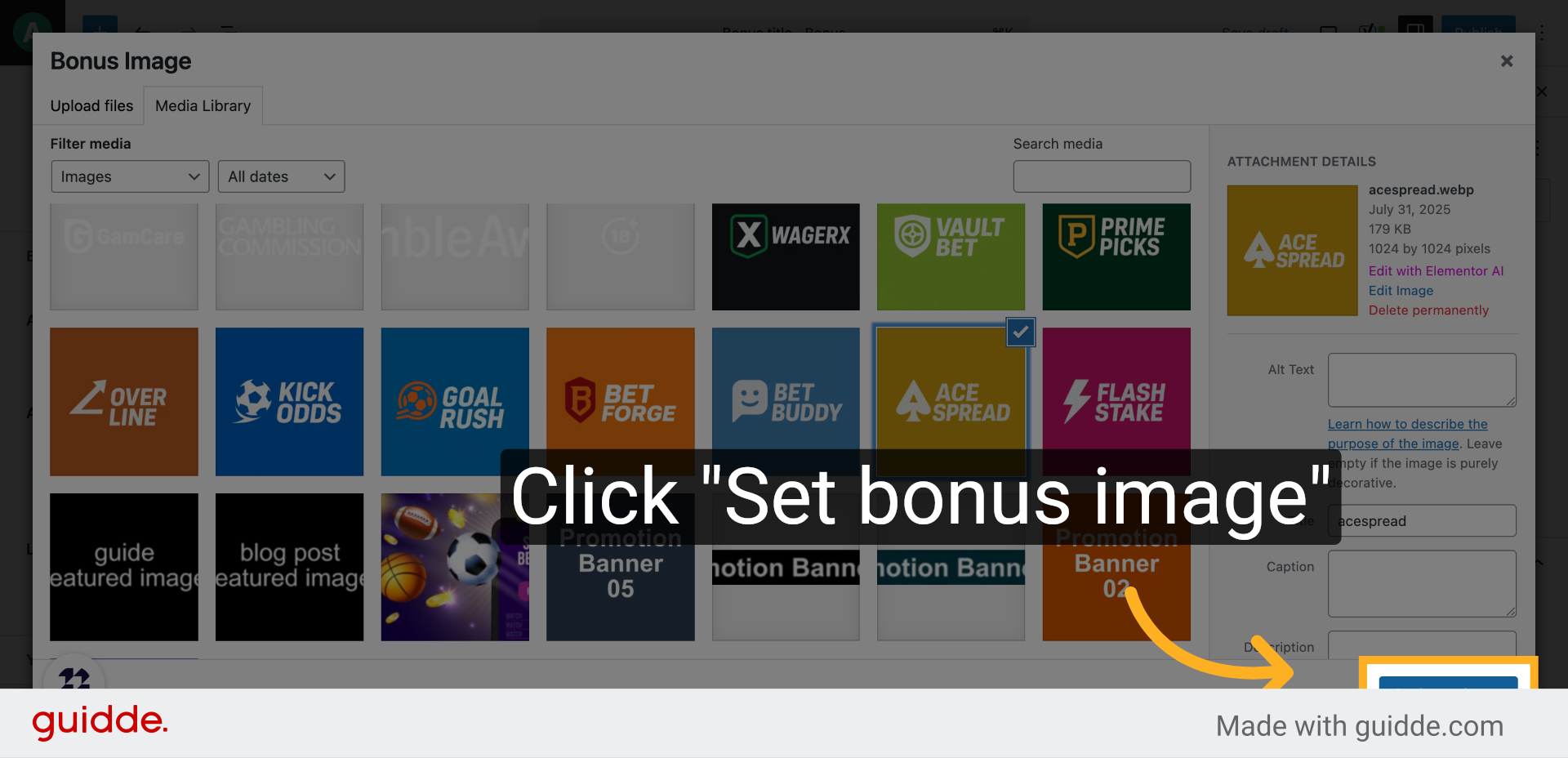
11. Click “Set bonus image”
Confirm the image selection to finalize the visual representation.
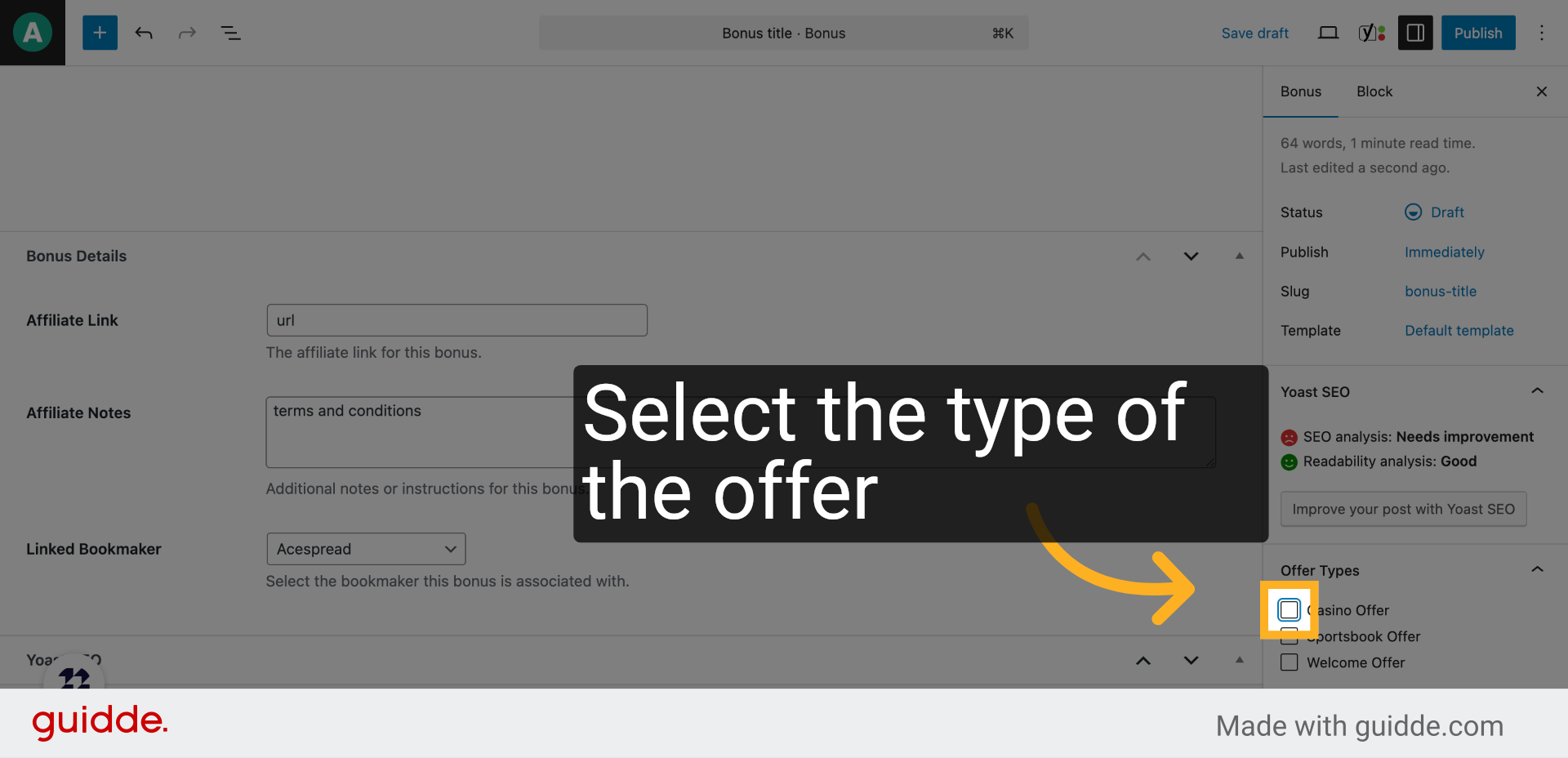
12. Click “Casino Offer”
Select the casino offer category to classify the bonus appropriately.
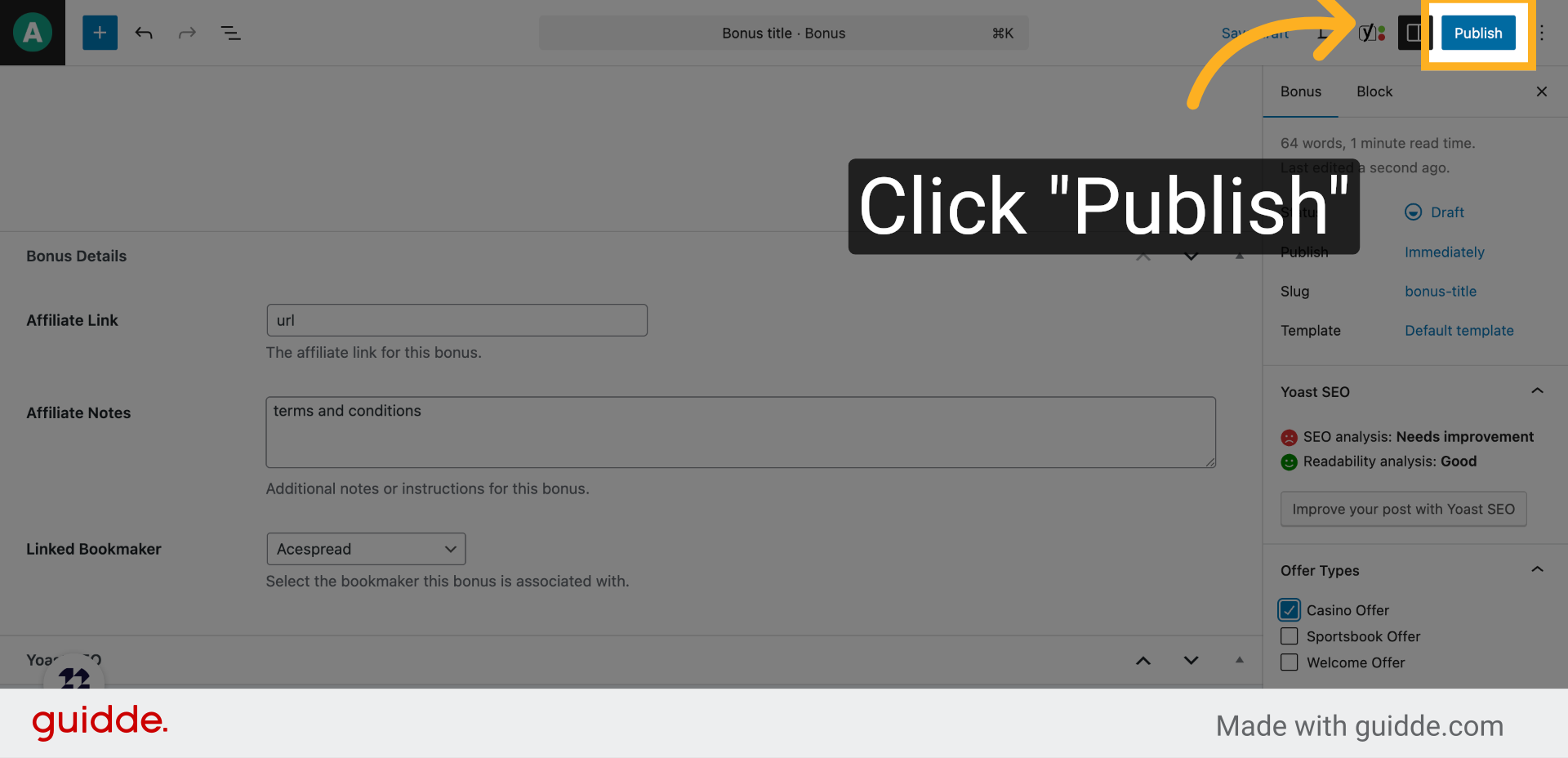
13. Click “Publish”
Initiate the publishing process to make the bonus live on your platform.
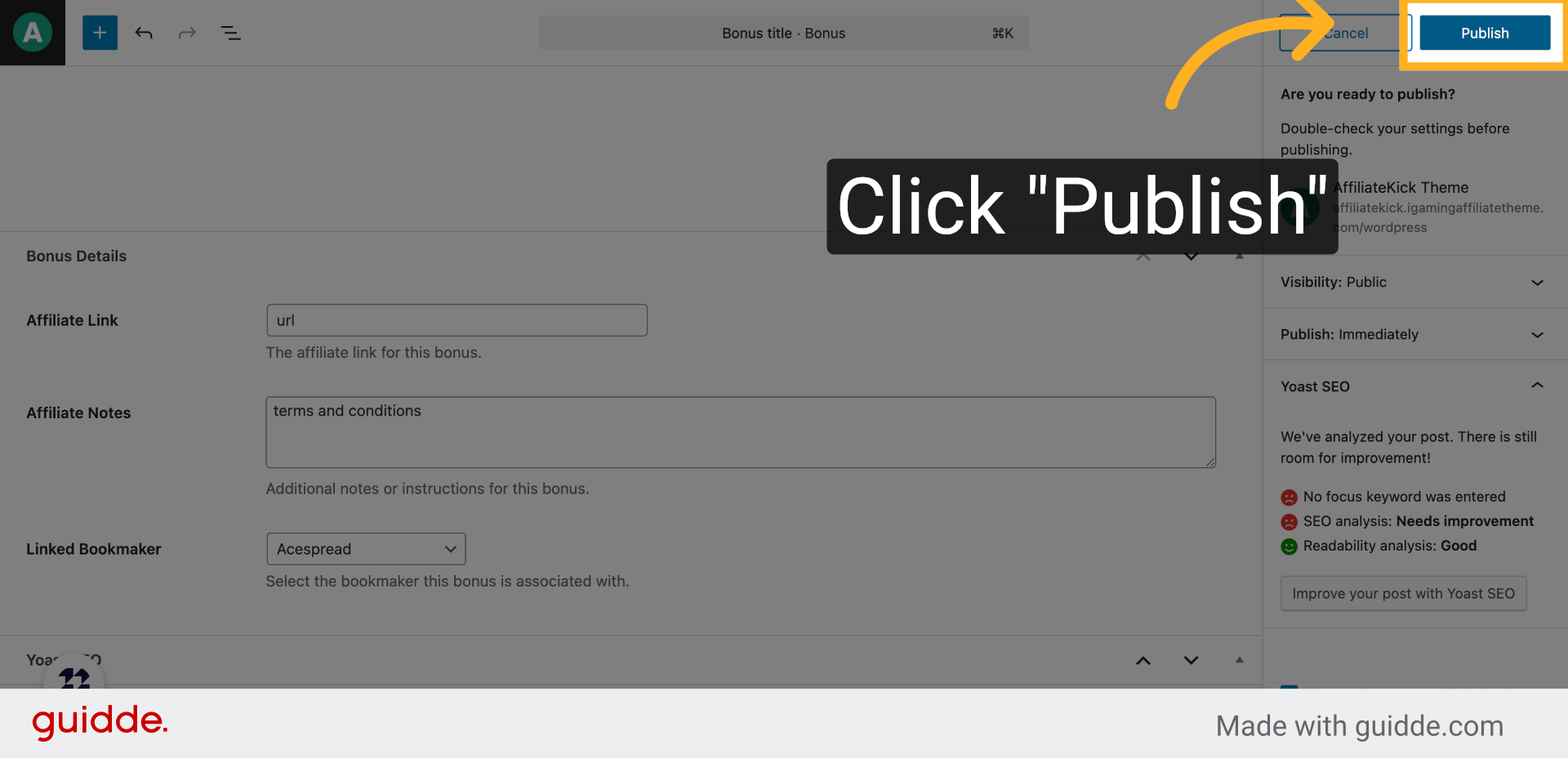
14. Click “Publish”
Confirm the publication to complete the bonus creation and share it with your audience.
This guide walked you through creating and publishing a new bonus, including adding titles, affiliate links, terms, bookmaker associations, images, and finalizing the offer for your audience.