
Learn how to create a tailored bookmaker shortcode using the Shortcode Generator
1. Introduction
From your WordPress dashboard select Bookmaker Shortcode Generator
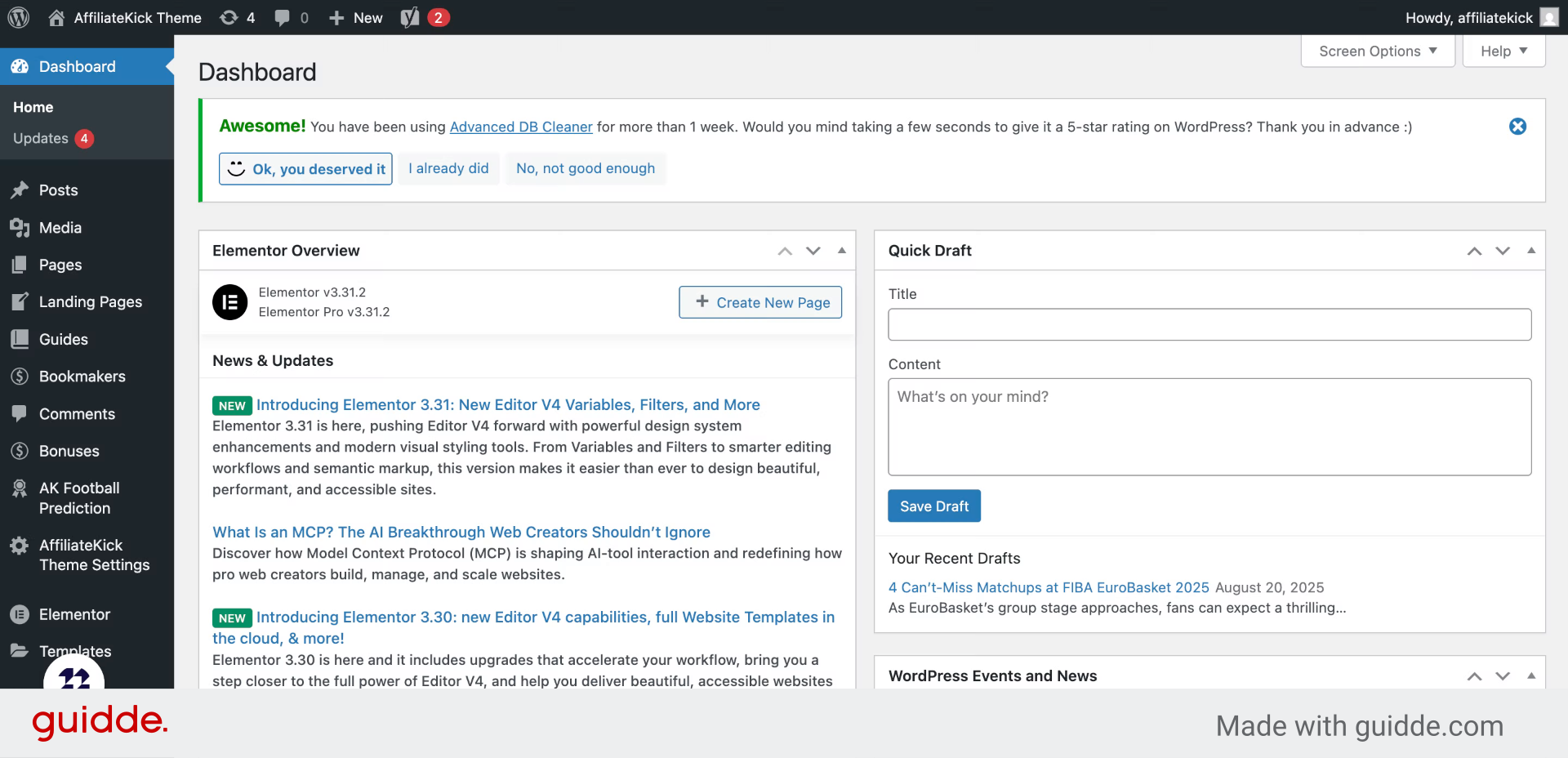
2. Click “Shortcode Generator”
Open the Bookmaker Shortcode Generator to begin creating your custom shortcode.
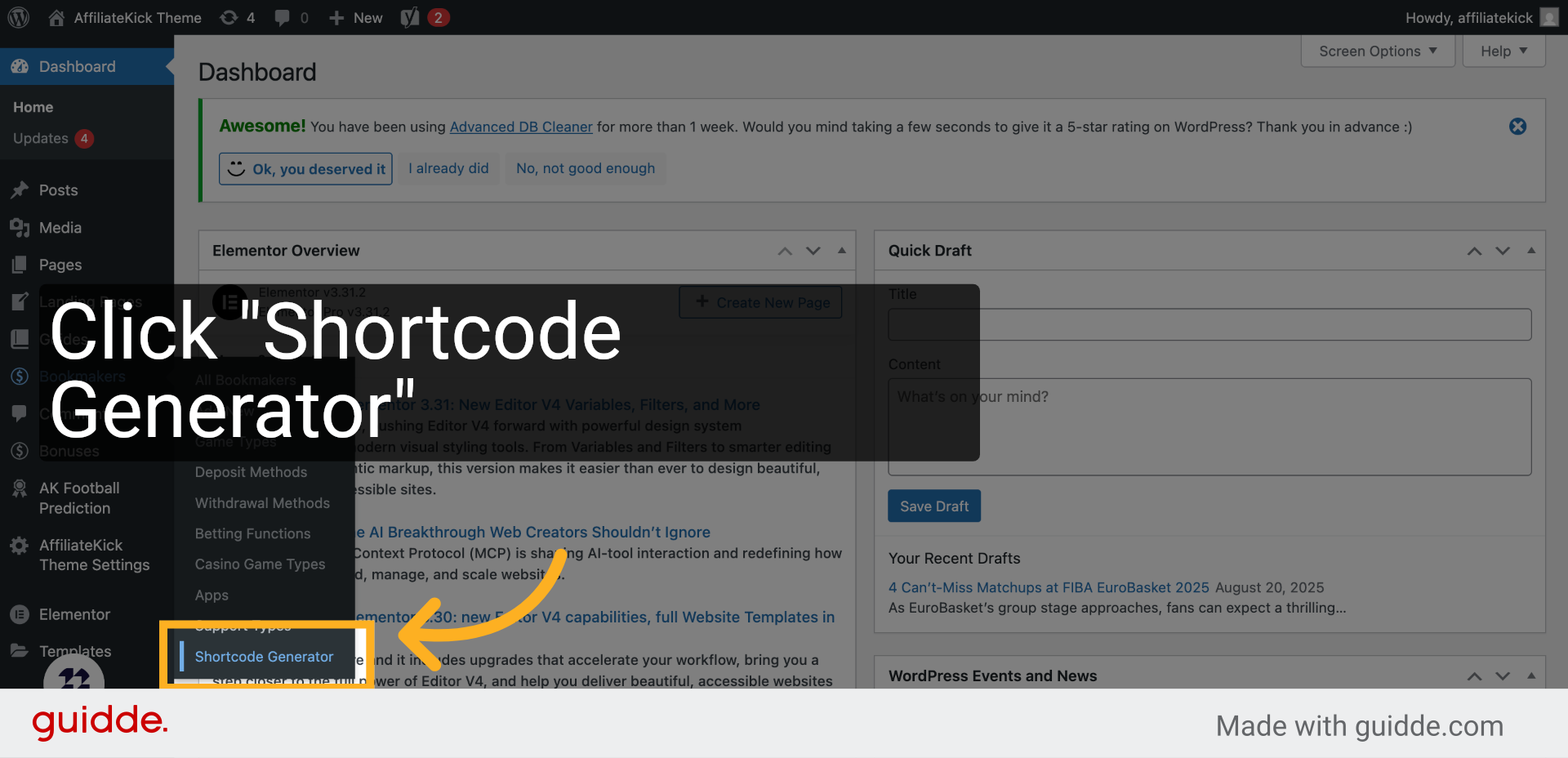
3. Click “Shortcode Type”
Select the type of shortcode you want to generate based on your content needs.
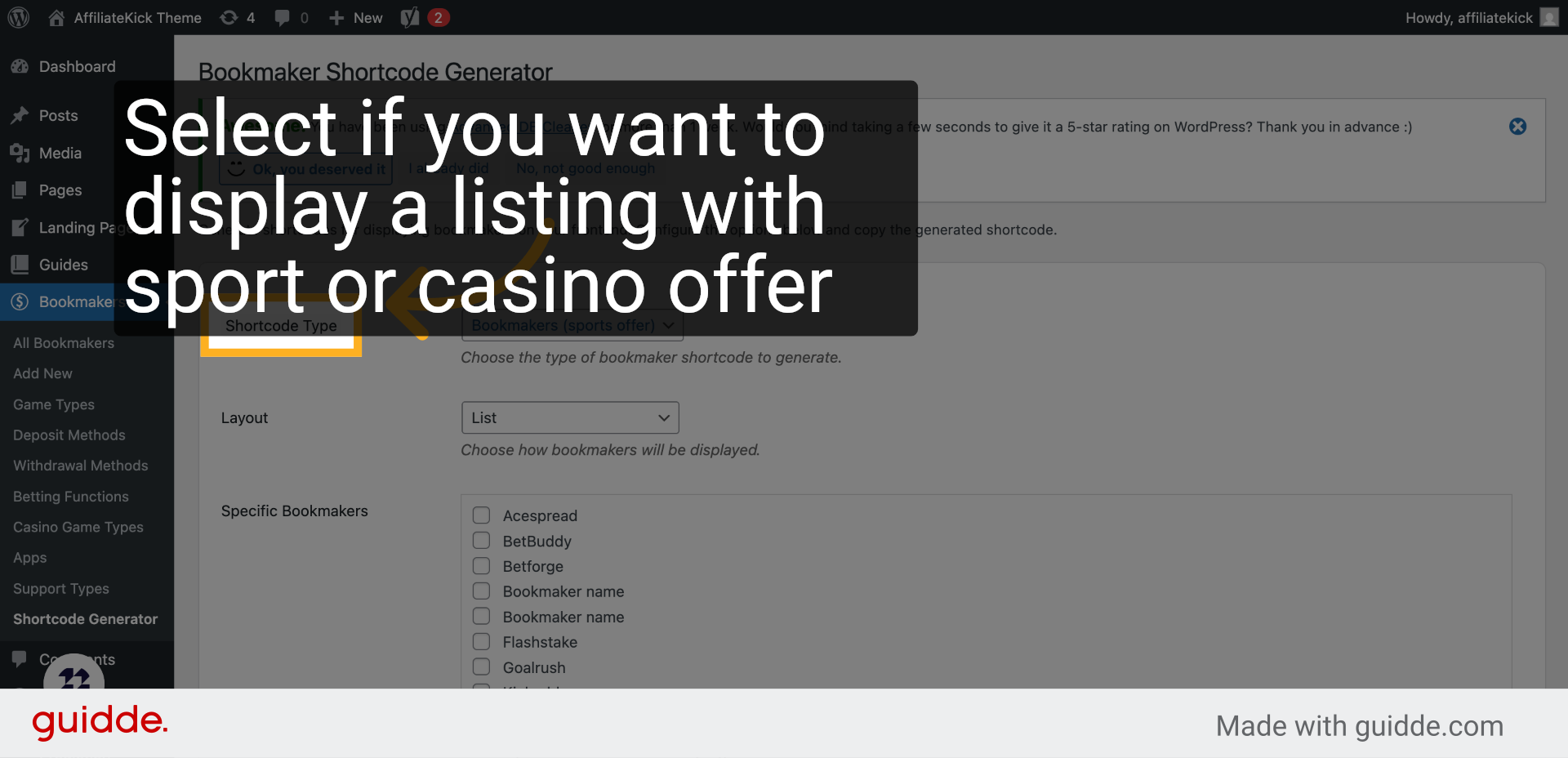
4. Click “Layout”
Choose the layout style that best fits your website’s design and user experience.
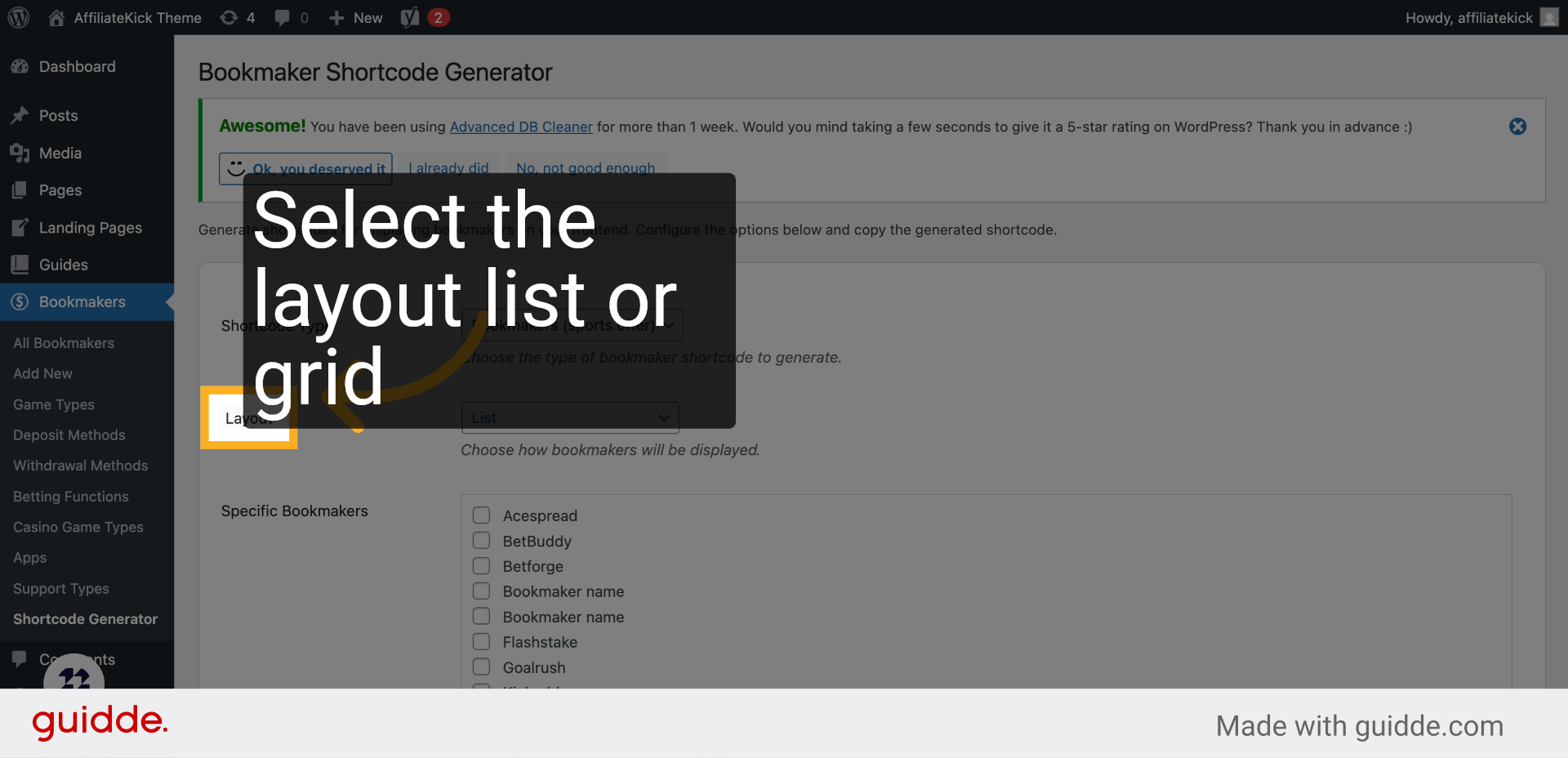
5. Click “Specific Bookmakers”
Specify which bookmakers you want to include in your shortcode for targeted display.
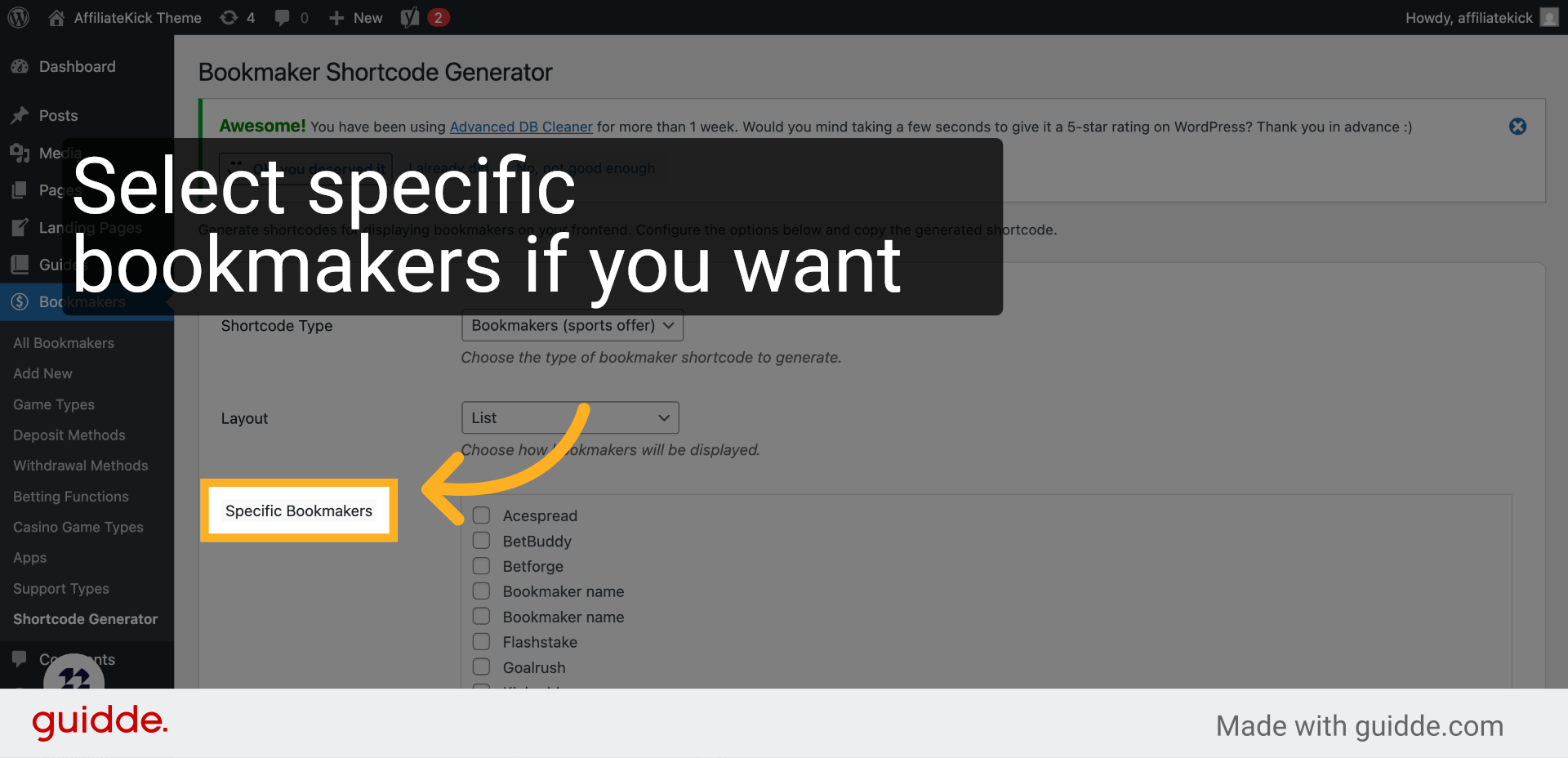
6. Click “Number of Bookmakers”
Set the number of bookmakers to show, tailoring the list length to your preference.
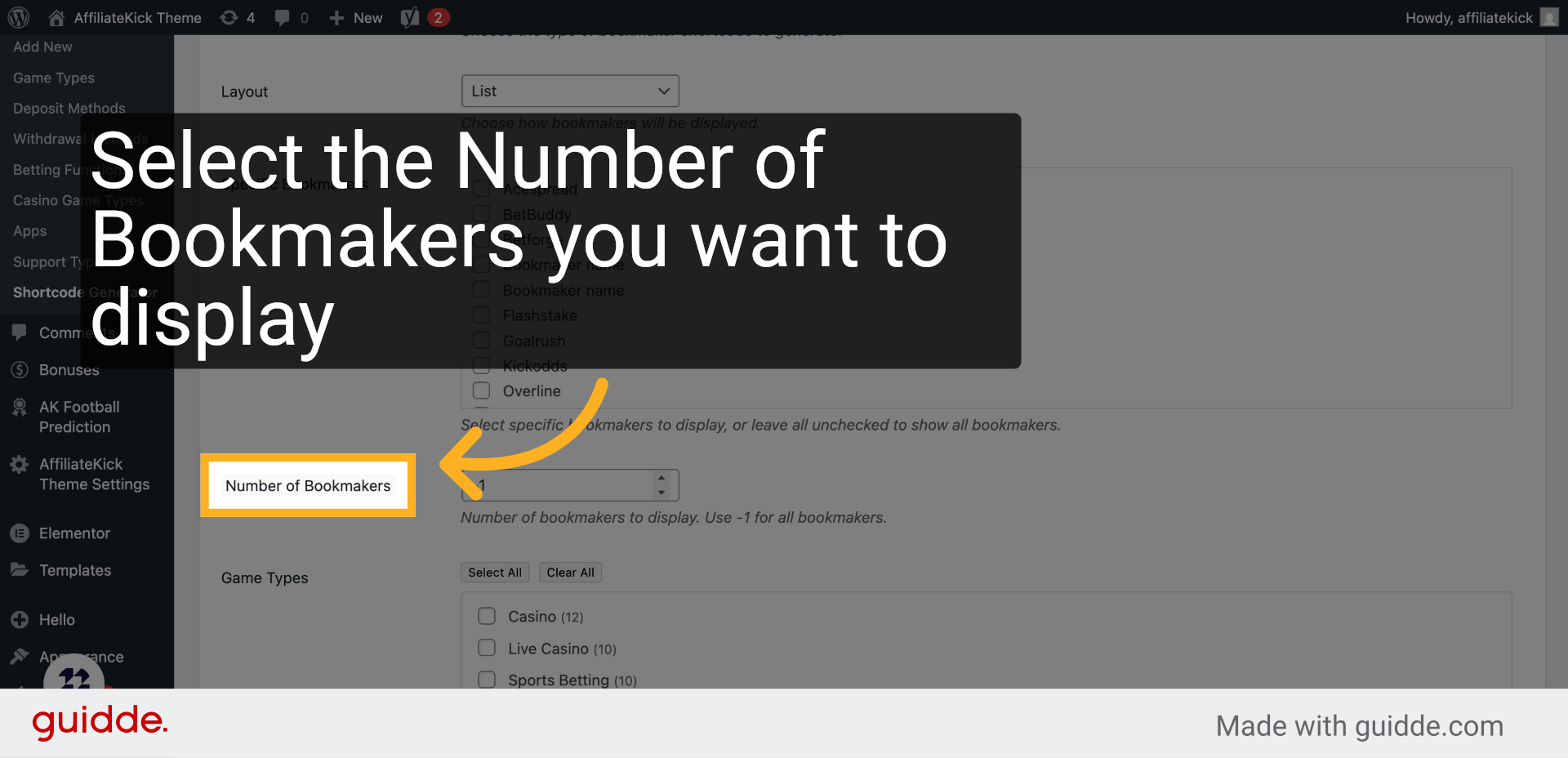
7. Click “Game Types”
Filter bookmakers by game types to highlight specific gambling options.
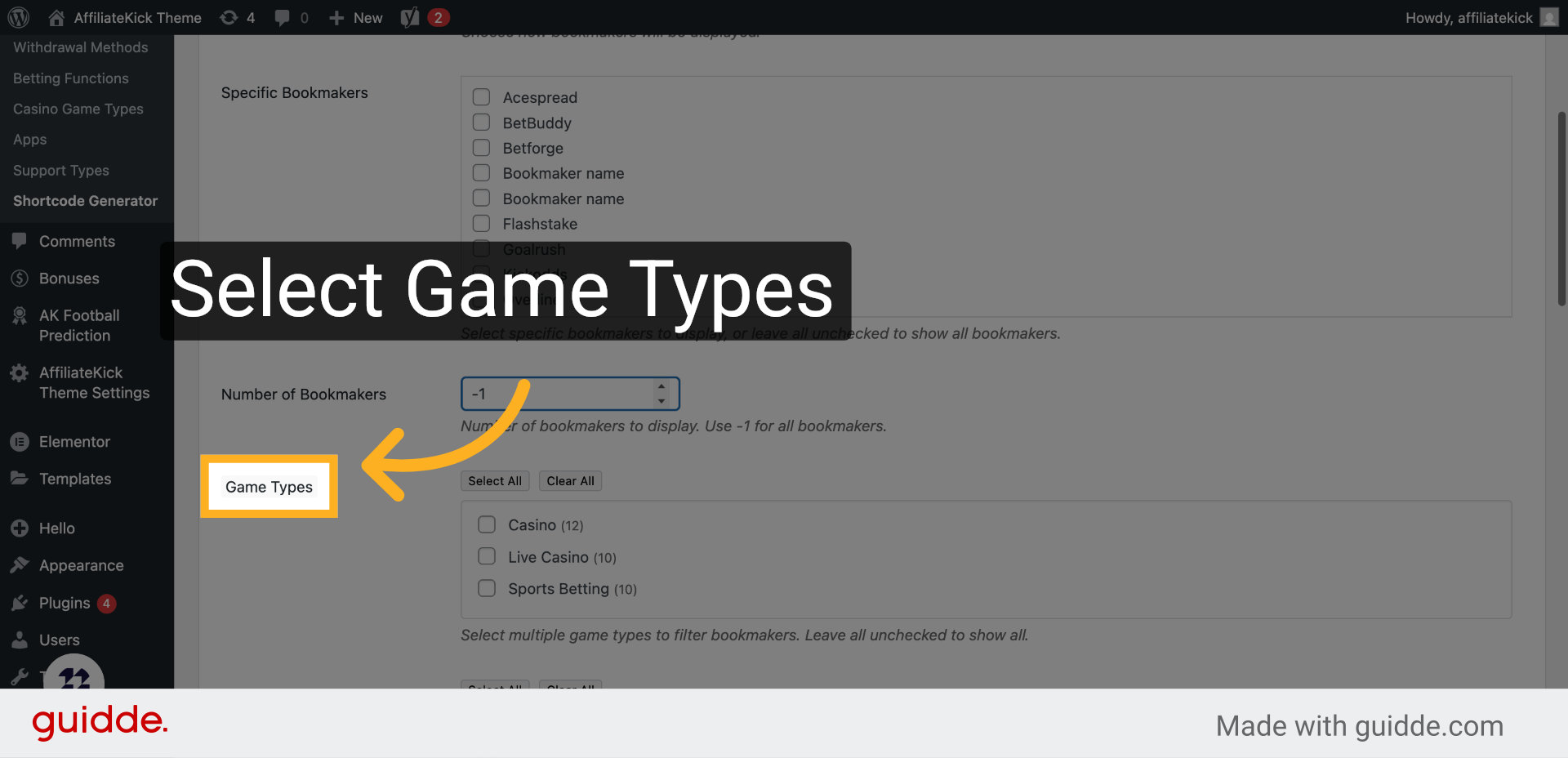
8. Click “Deposit Methods”
Include preferred deposit methods to inform users about payment options.
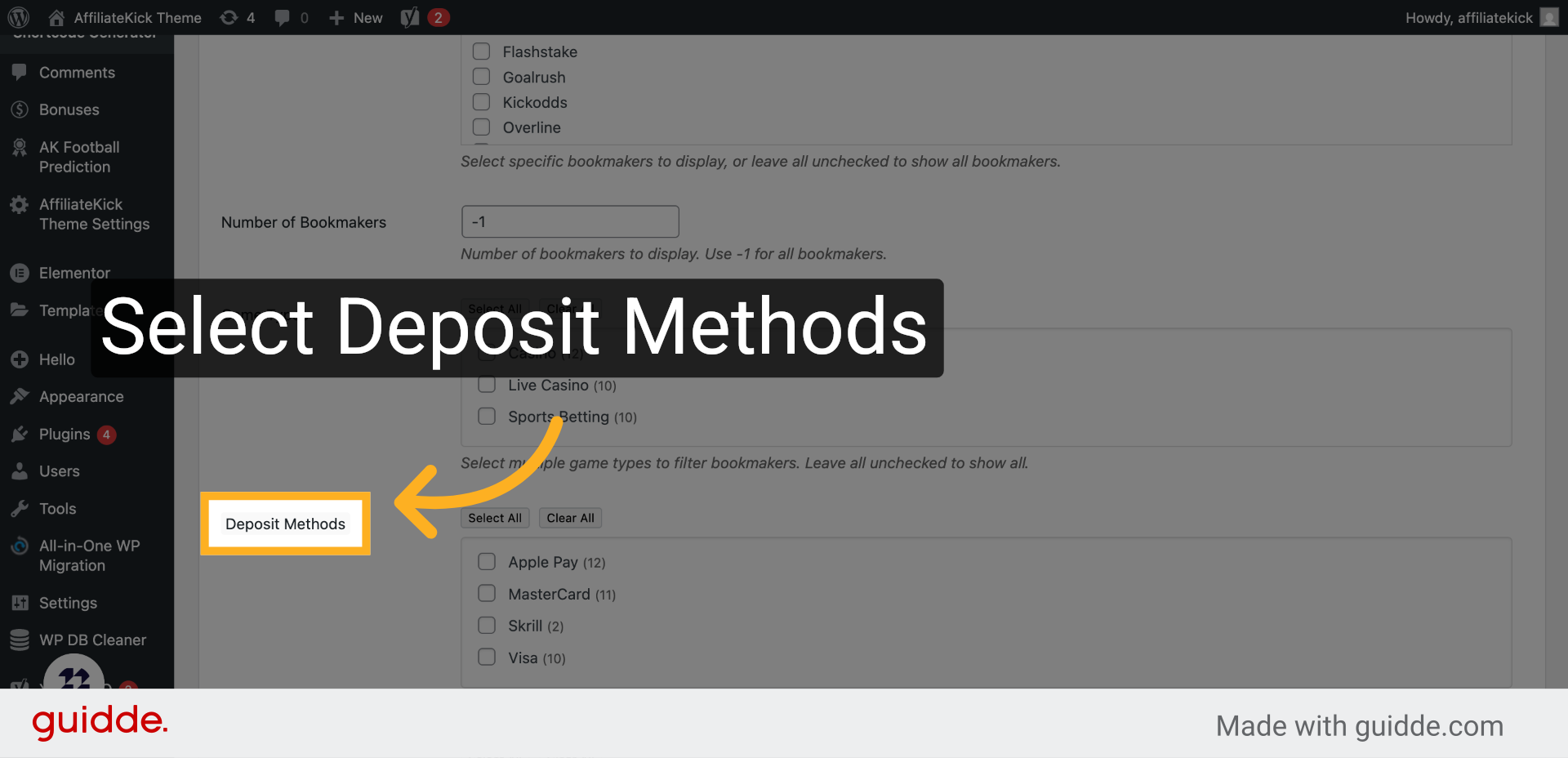
9. Click “Withdrawal Methods”
Add withdrawal methods to provide comprehensive financial information.
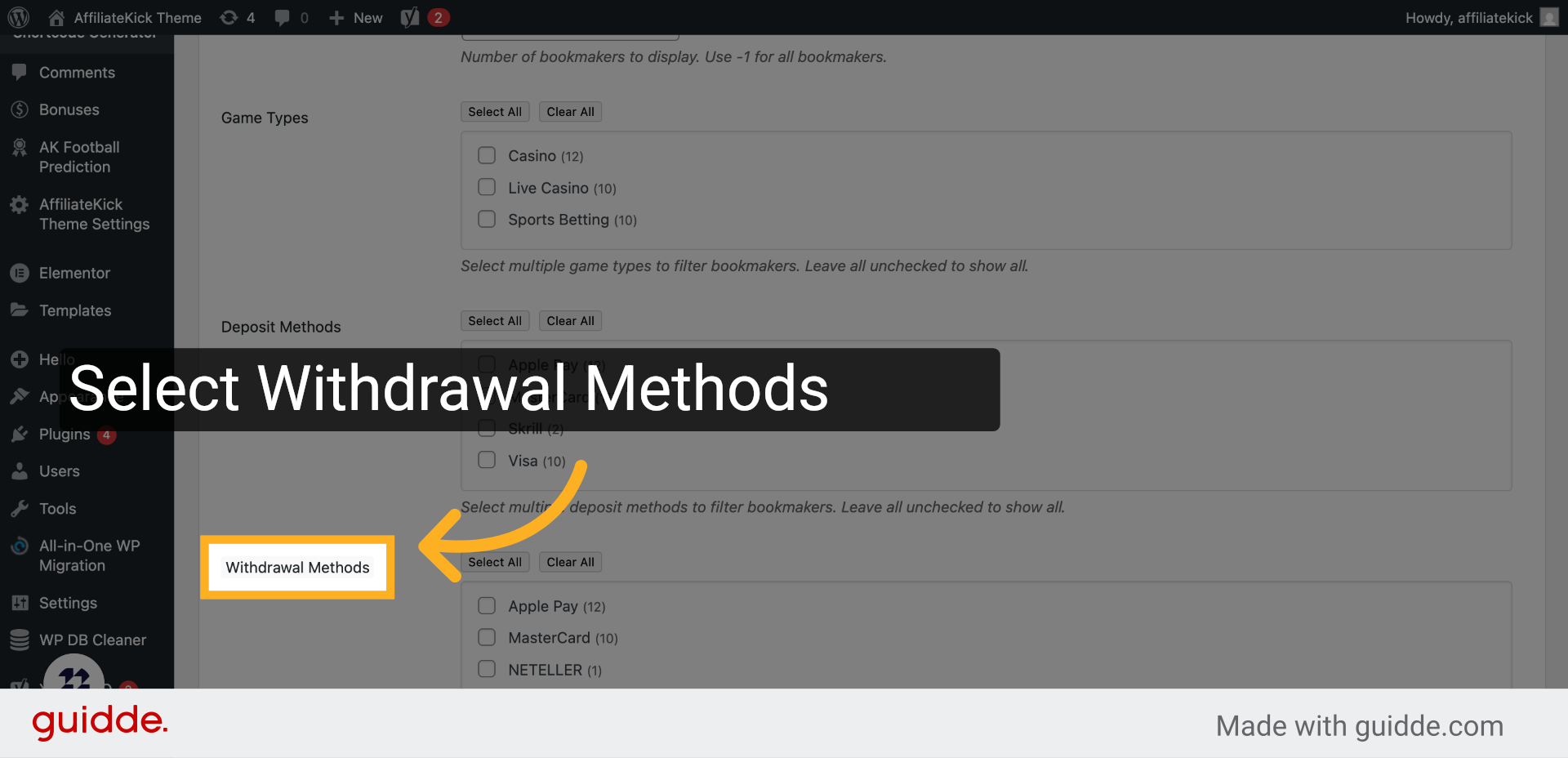
10. Click “Betting Functions”
Select betting functions to showcase available betting features.
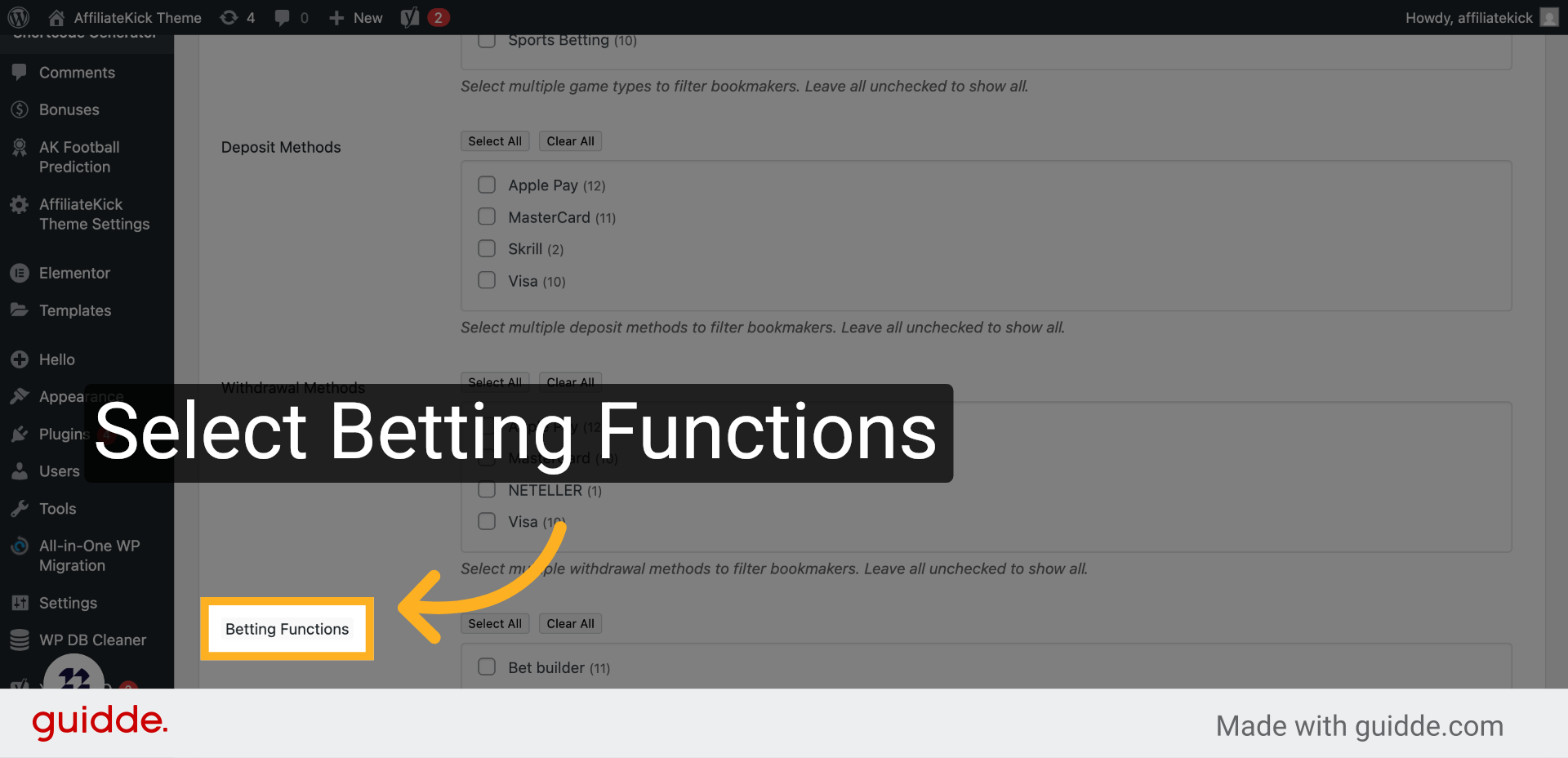
11. Click “Casino Game Types”
Choose casino game types to feature relevant gaming options.
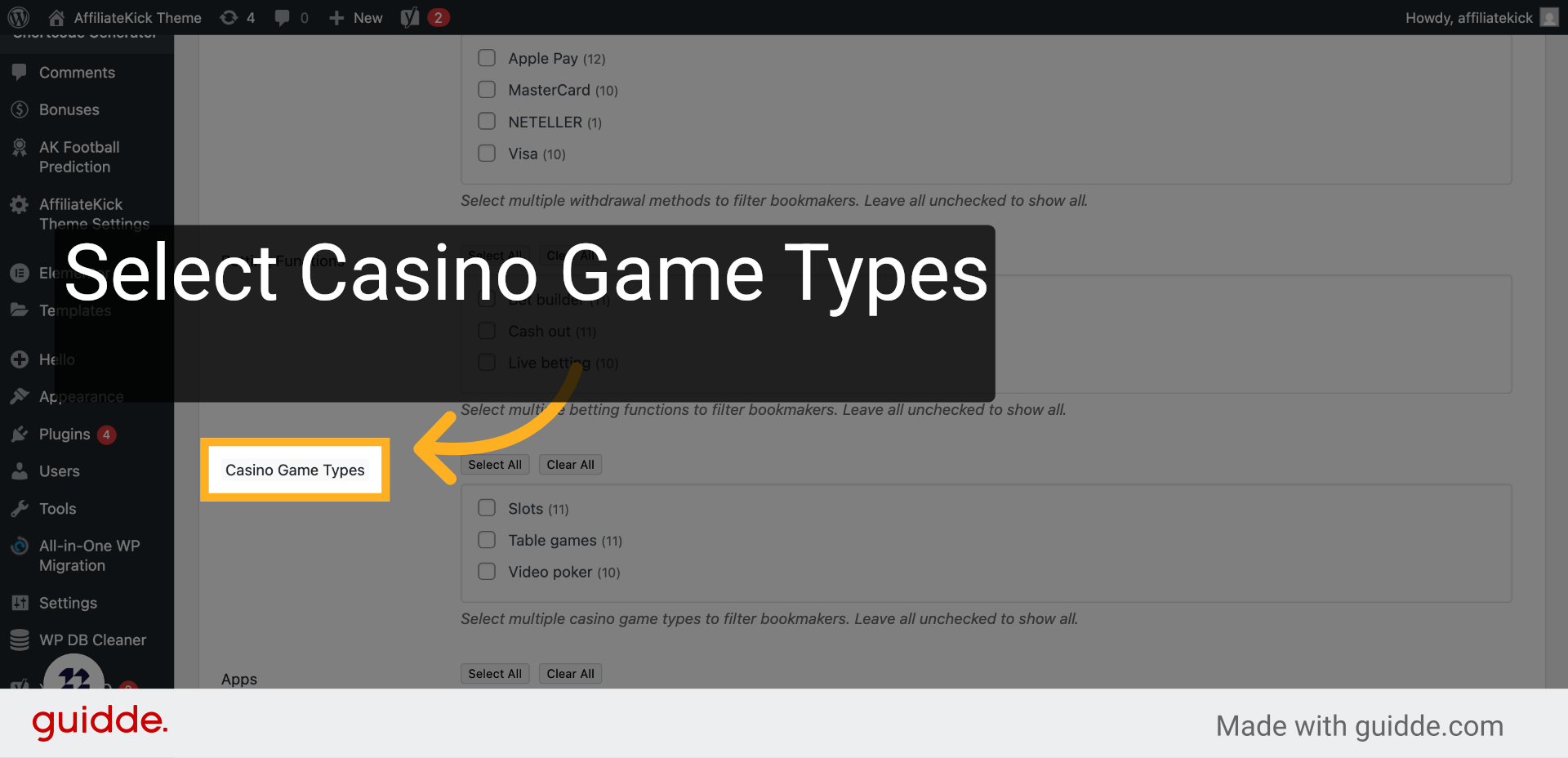
12. Click “Apps”
Decide if you want to display app availability for bookmakers.
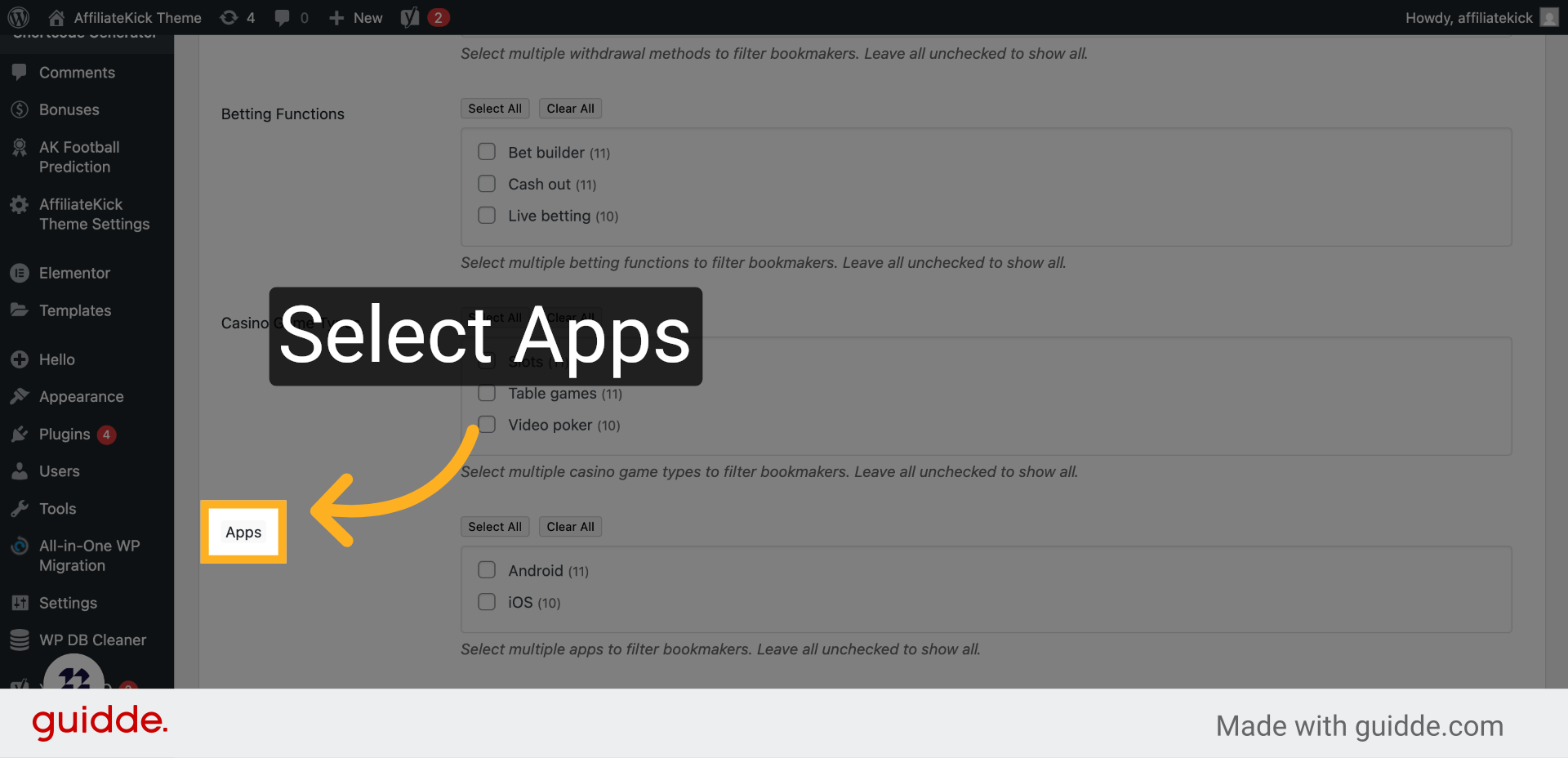
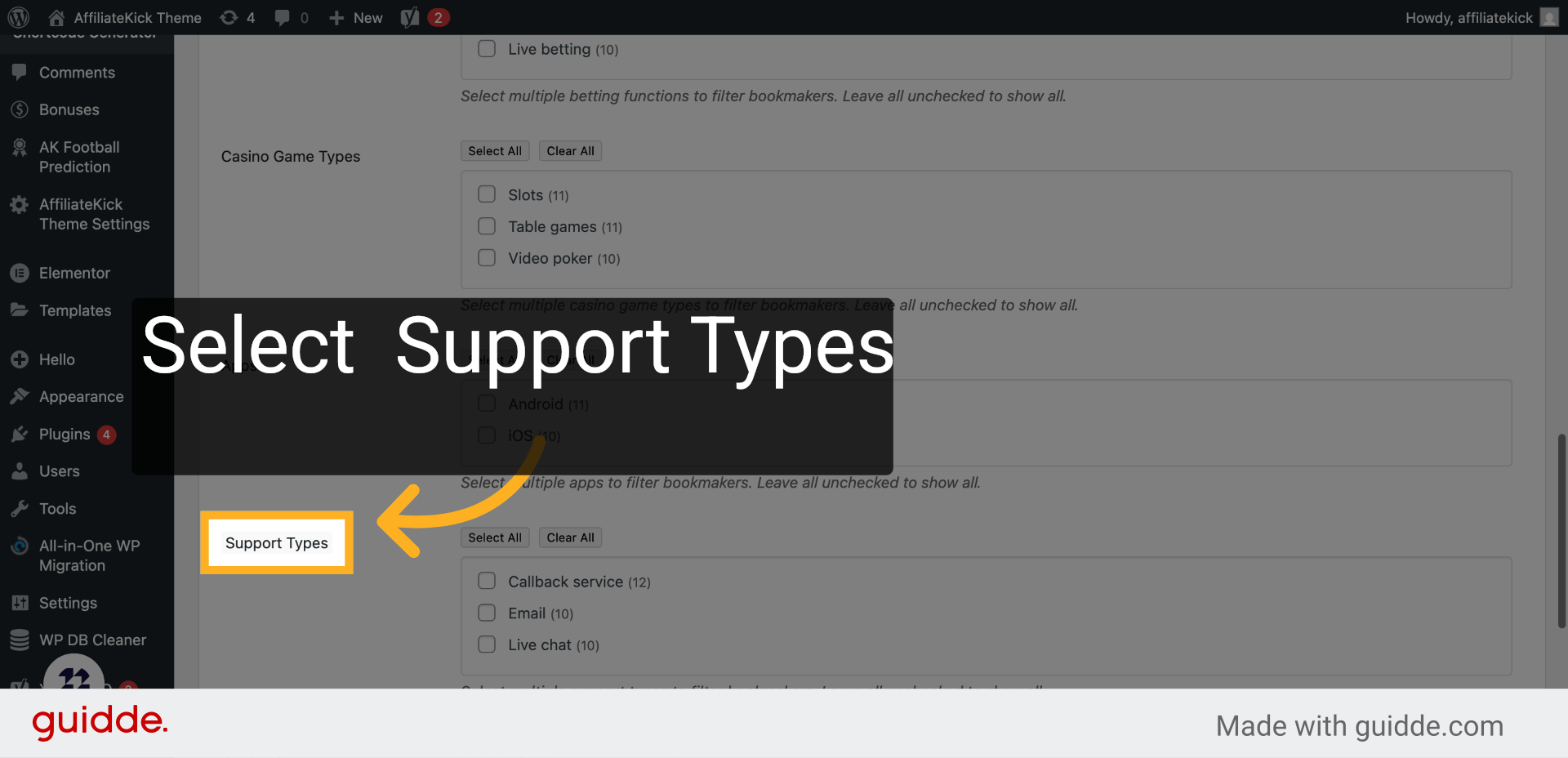
13. Click “Support Types”
Specify support types to inform users about customer service options.
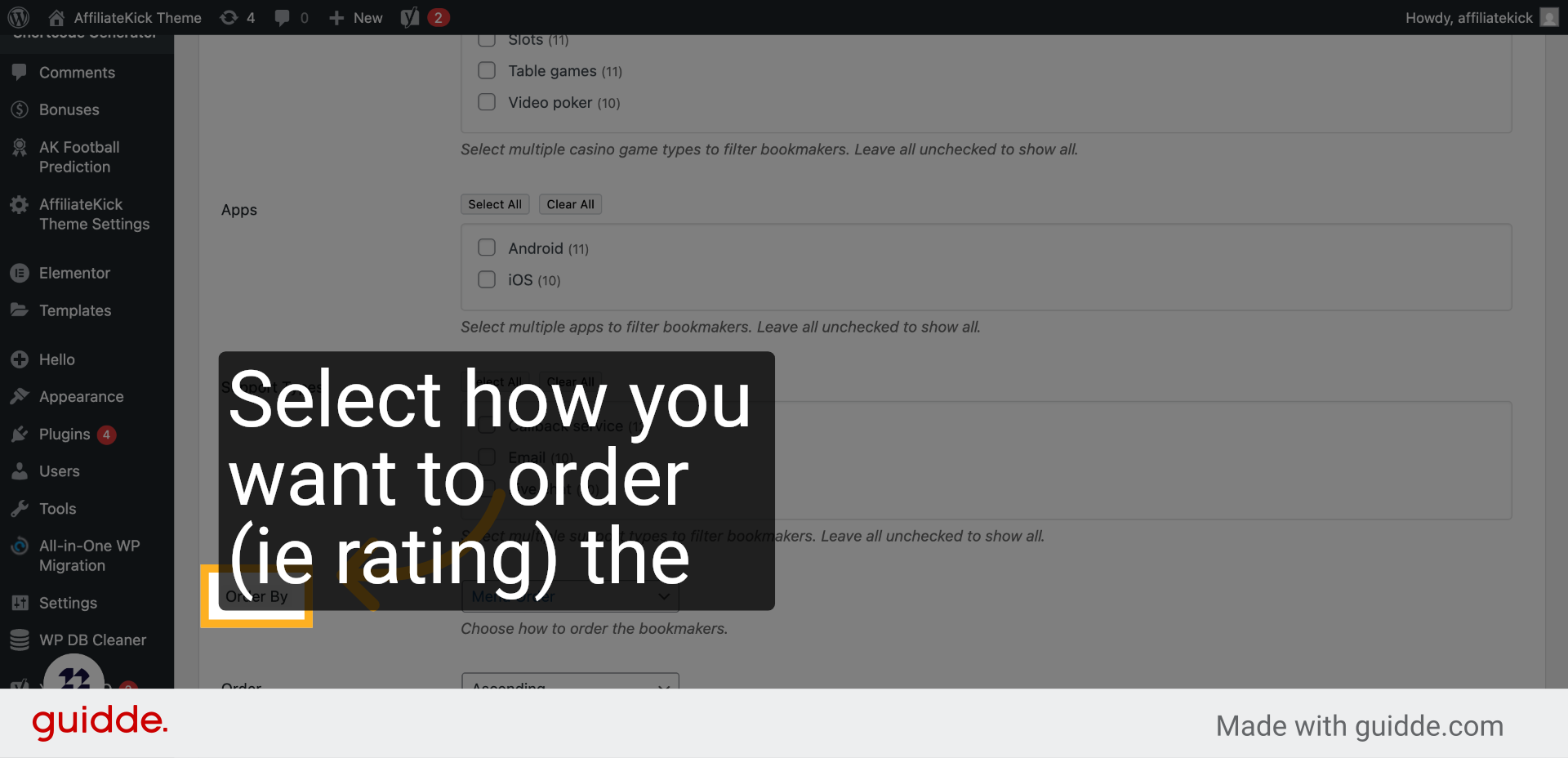
14. Click “Order By”
Determine the order criteria to organize bookmakers logically.
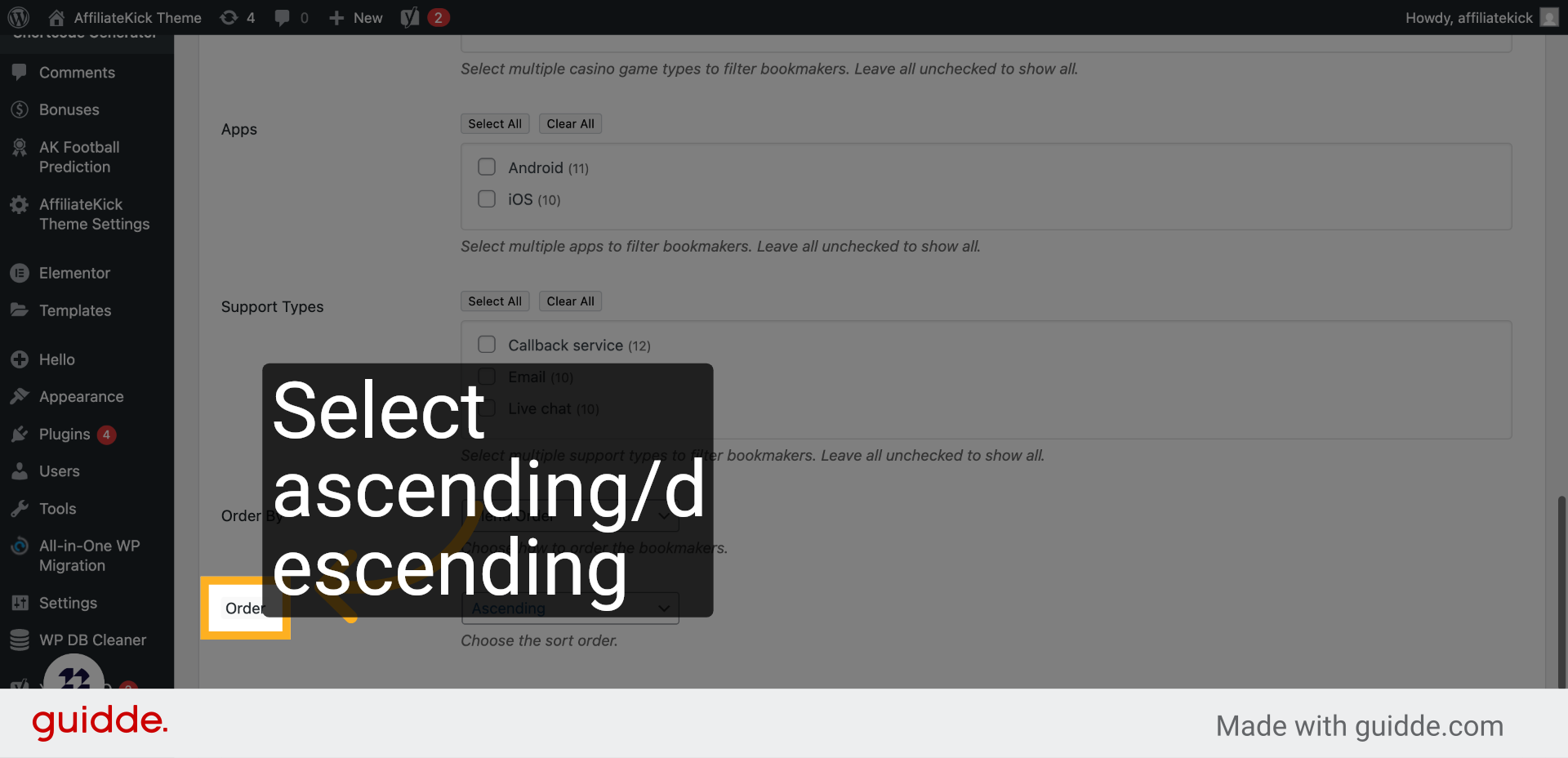
15. Click “Order”
Set the order direction to arrange the list ascending or descending.
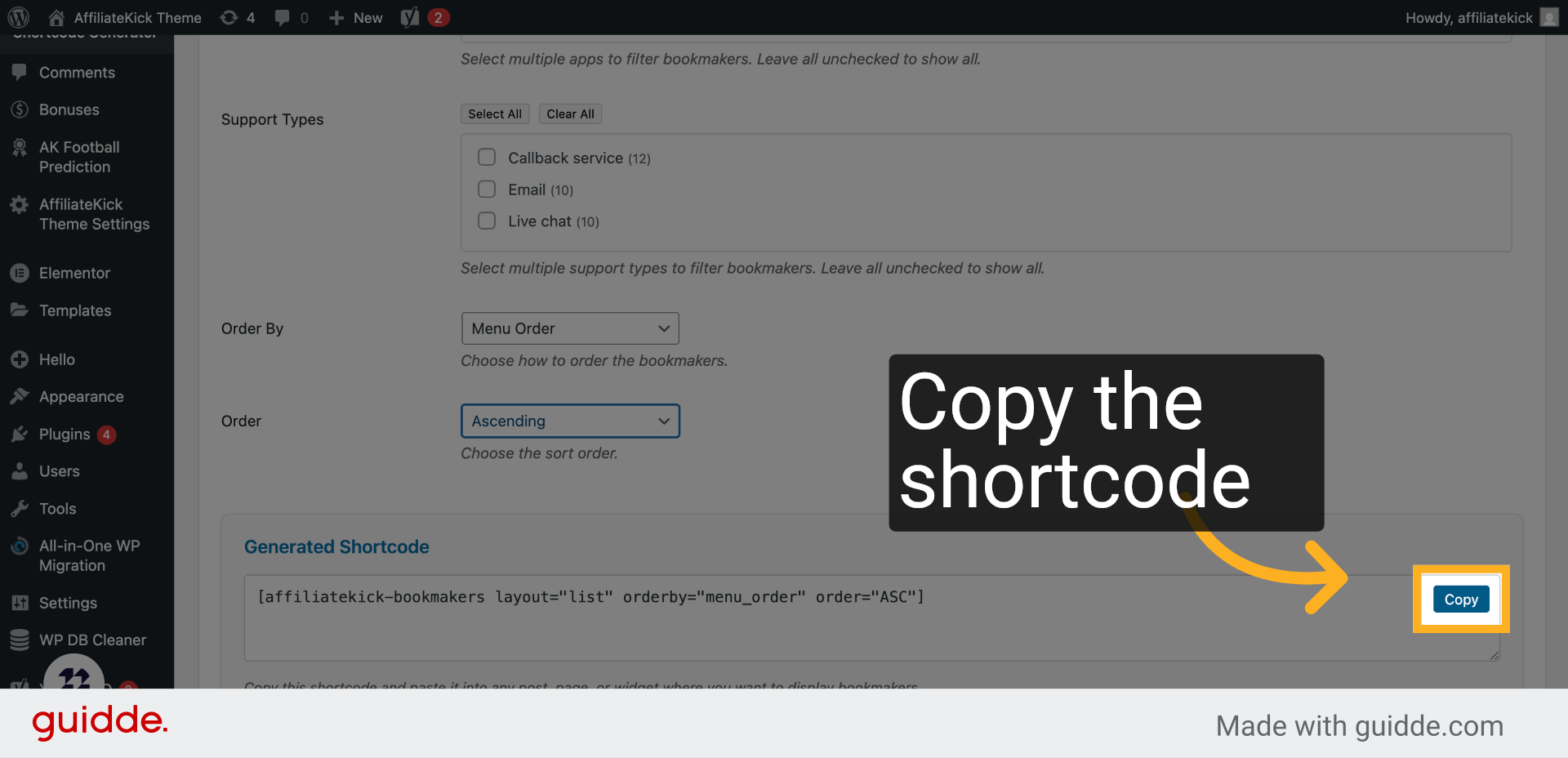
16. Click “Copy”
Copy the generated shortcode to your clipboard for easy insertion into your website.
This guide walked you through customizing and generating a bookmaker shortcode using various filters and display options, enabling you to tailor content precisely for your audience. You learned how to configure layout, bookmaker selection, payment methods, and sorting before copying the final shortcode.