
From your WordPress dashboard select Bonus Shortcode Generator
1. Introduction
This guide helps you filter, sort, and generate a shortcode to embed specific bonuses seamlessly on your website.
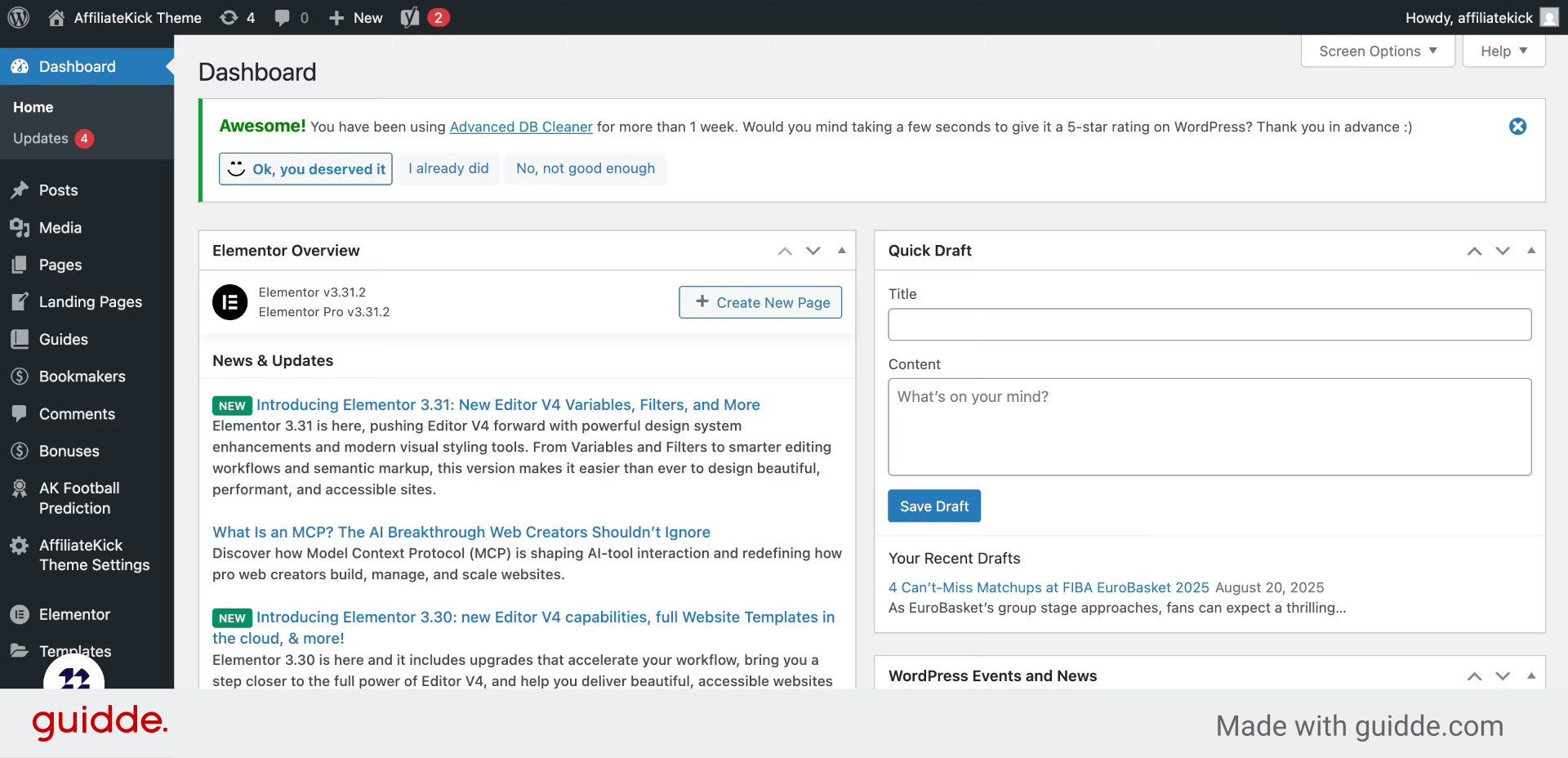
2. Click “Shortcode Generator”
Access the Shortcode Generator to begin creating customized bonus displays for your site.
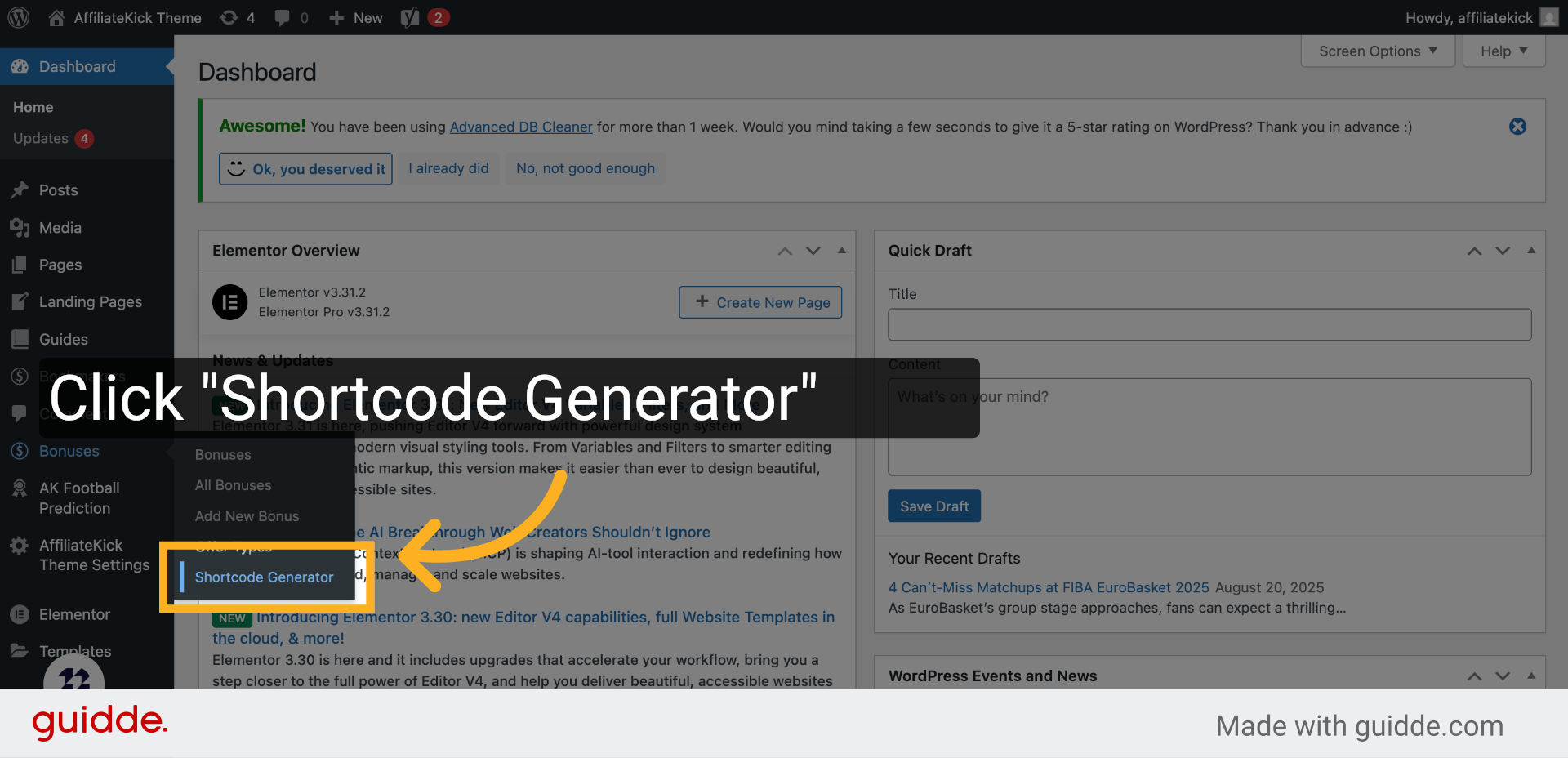
3. Click “Layout”
Navigate to the Layout section to choose how your bonuses will be visually arranged.
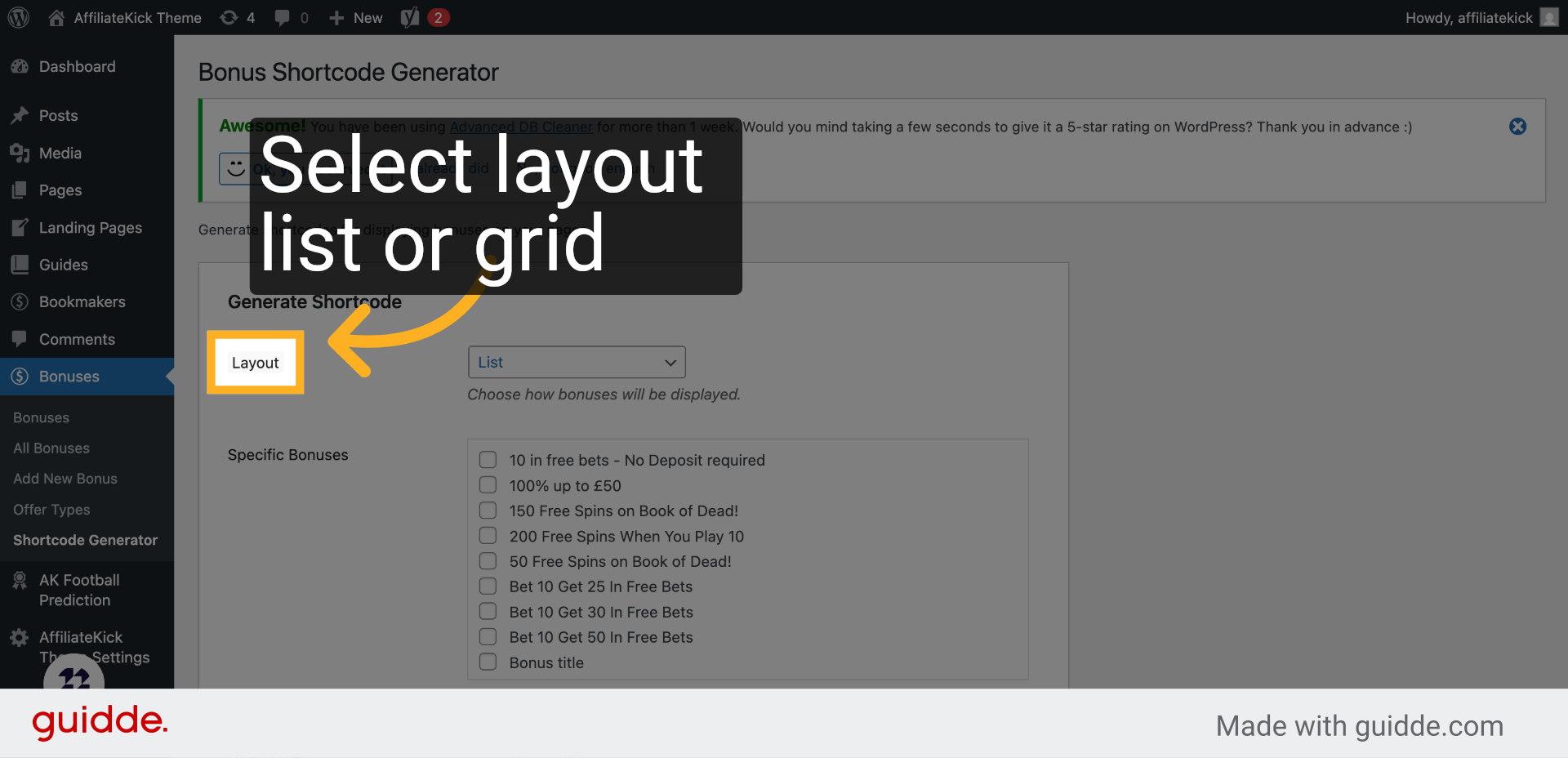
4. Click “Specific Bonuses”
Select the Specific Bonuses option to filter the bonuses you want to showcase.
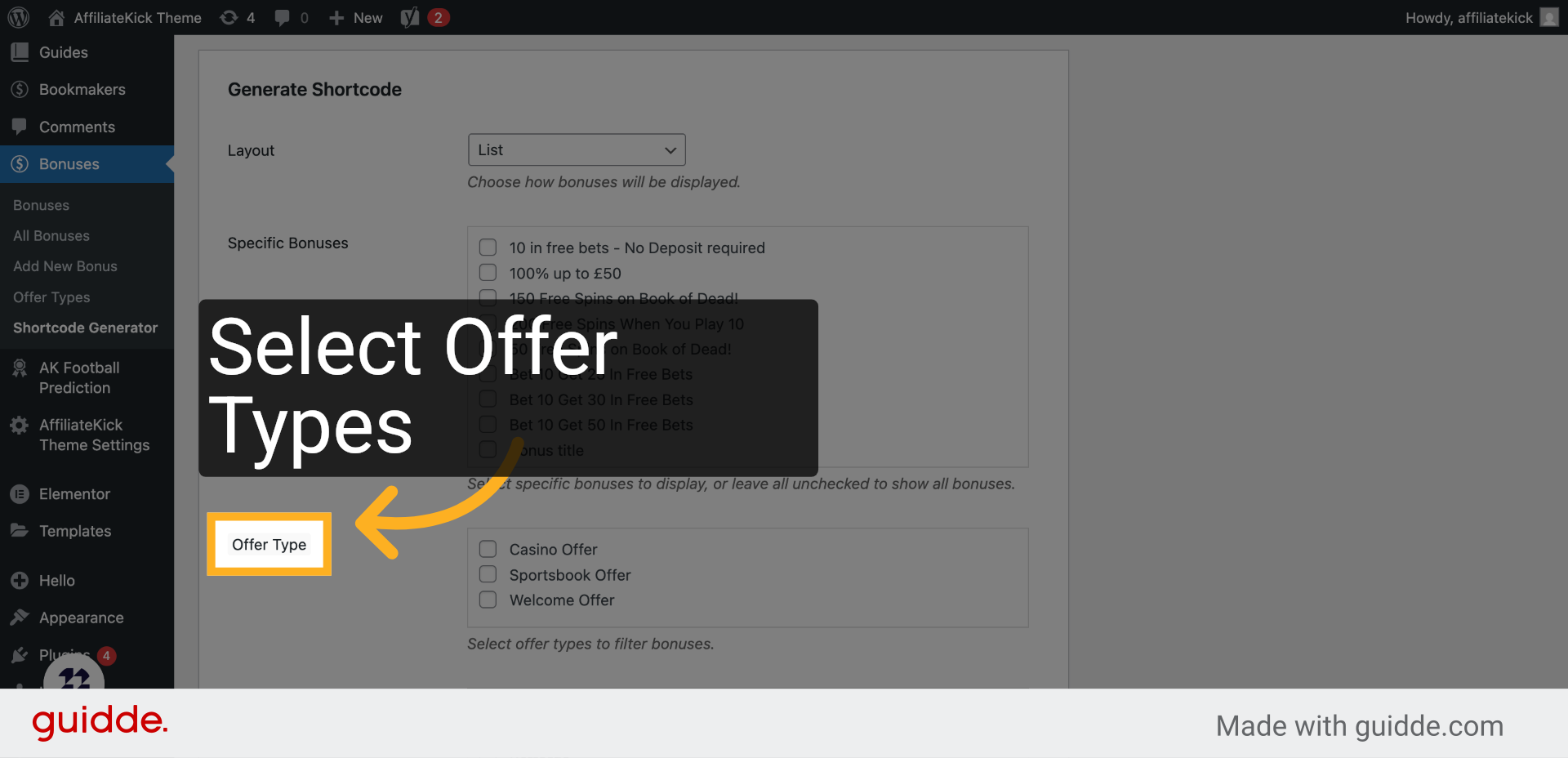
5. Click “Offer Type”
Choose the Offer Type to specify the category of bonuses to include.
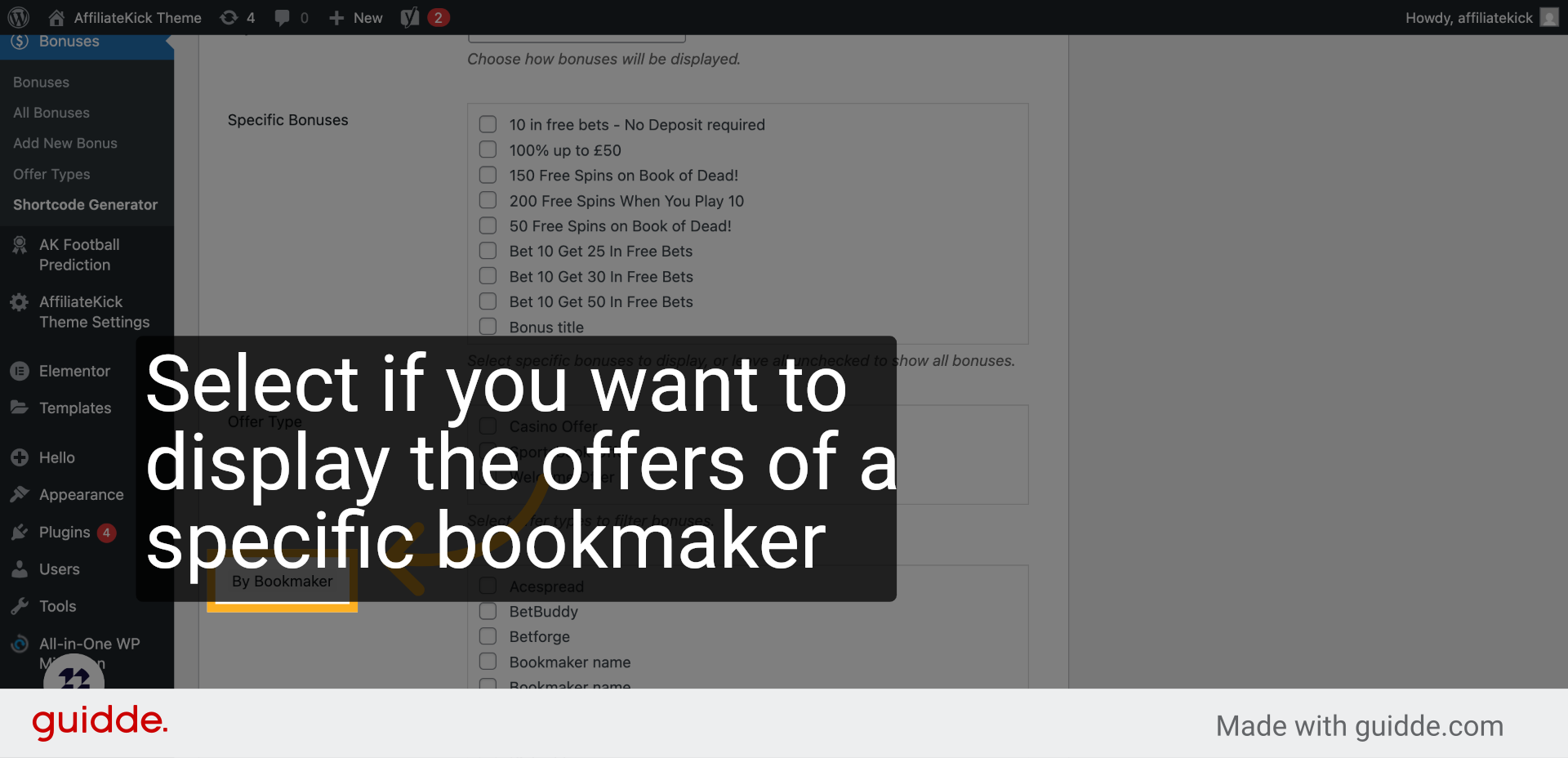
6. Click “By Bookmaker”
Filter bonuses By Bookmaker to highlight offers from particular providers.
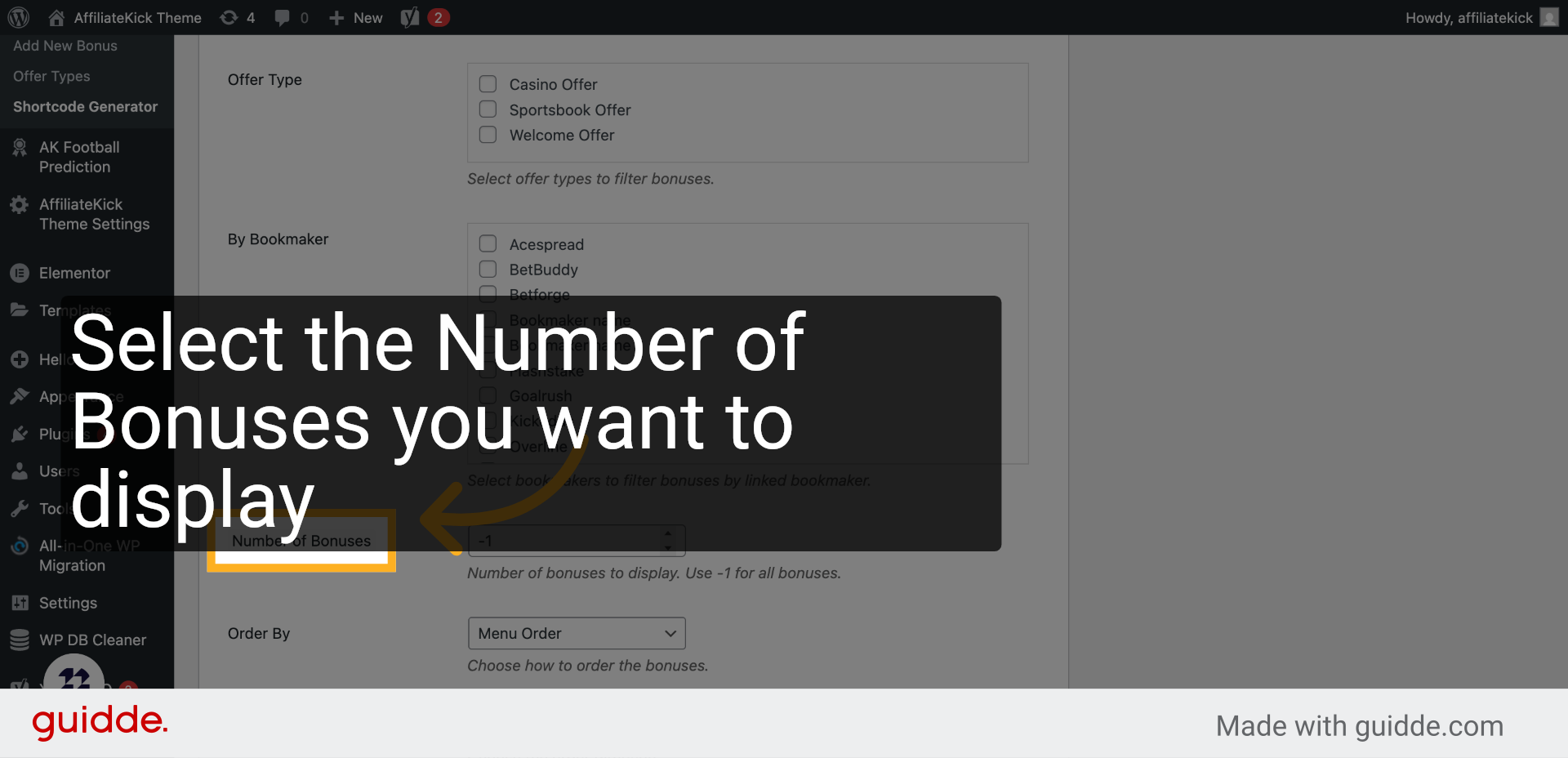
7. Click “Number of Bonuses”
Set the Number of Bonuses to control how many offers appear in your display.
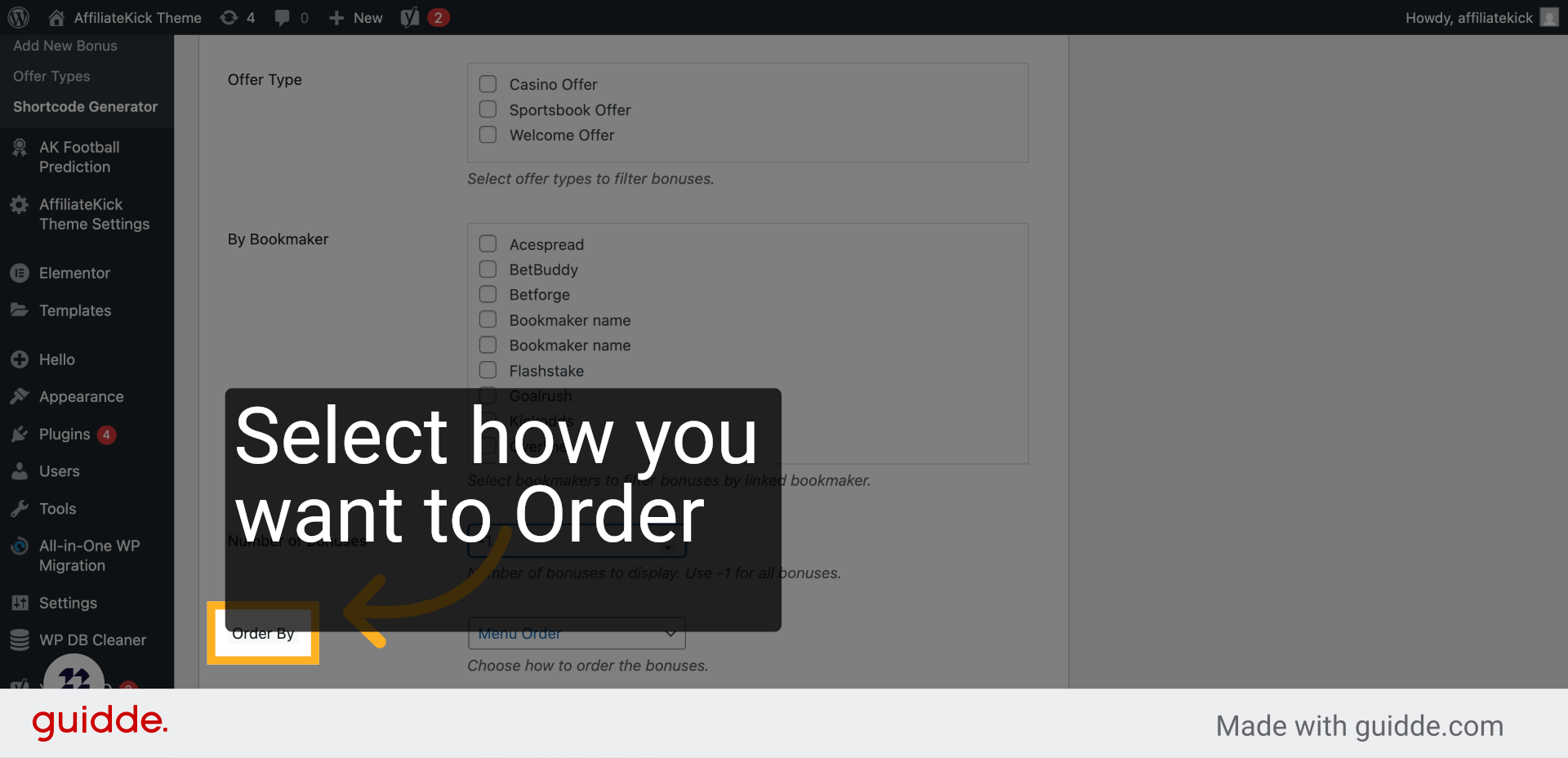
8. Click “Order By”
Use the Order By setting to determine the criteria for sorting your bonuses.
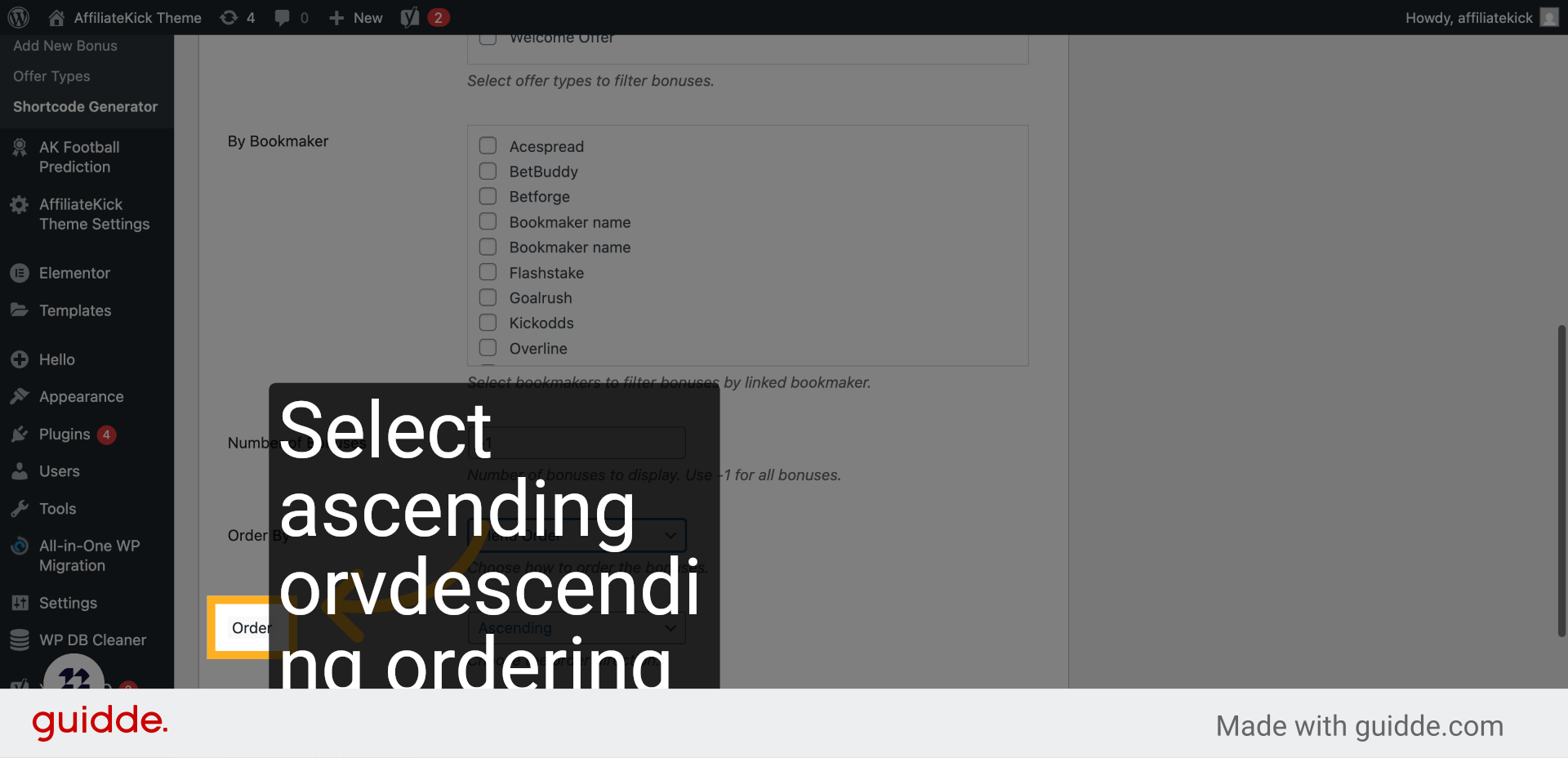
9. Click “Order”
Adjust the Order to choose ascending or descending arrangement of the bonuses.
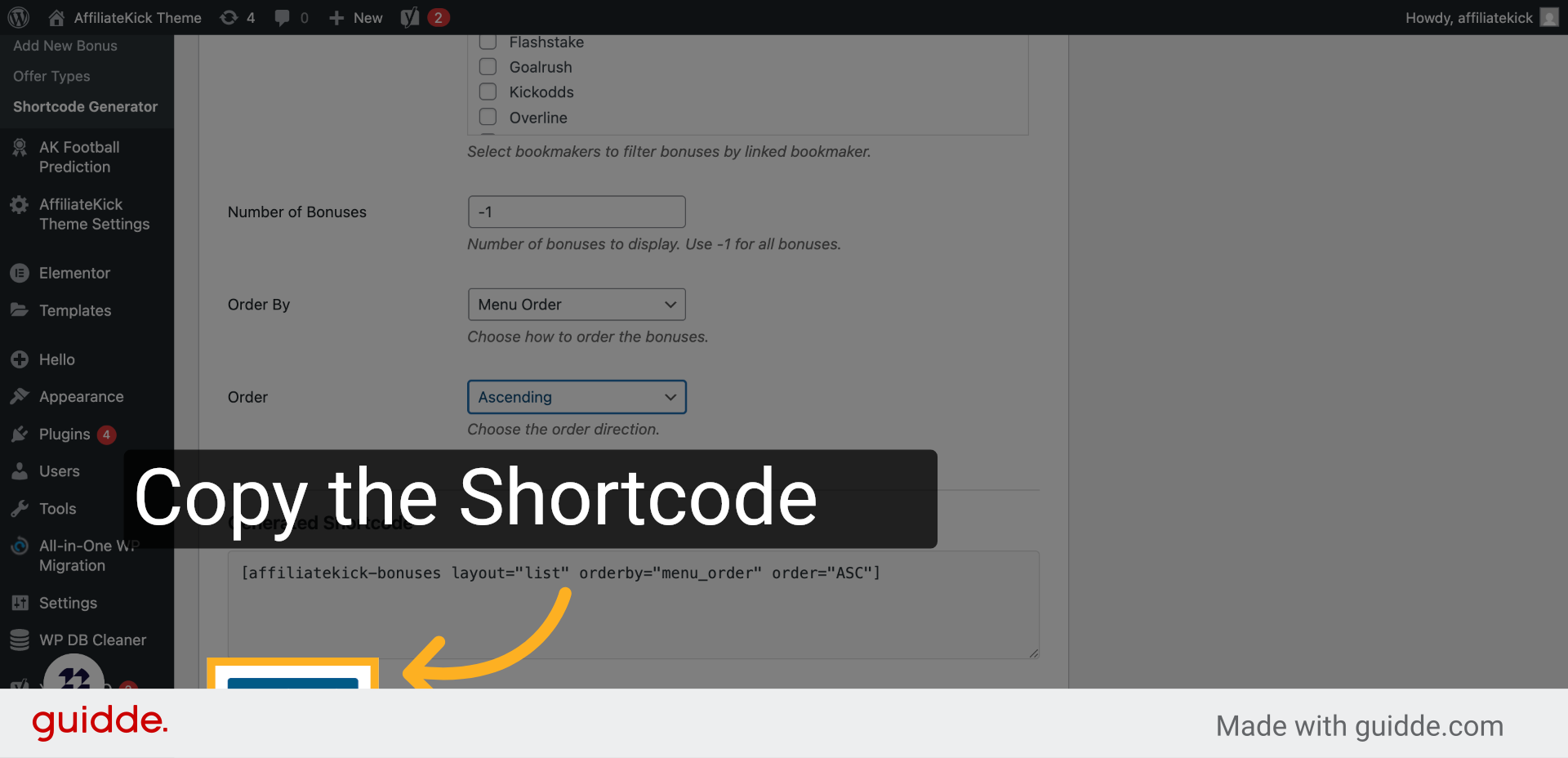
10. Click “Copy Shortcode”
Copy the generated shortcode to easily embed your customized bonus list into your website.
This guide walked you through using the Bonus Shortcode Generator to customize and embed a tailored list of bonuses by selecting layout, filters, sorting, and copying the shortcode for your site.